







4.8/5 of 53 reviews
4.3/5 of 38 reviews

Your Map is Alive:
Mastering Active
Territory Management


Move from static planning to dynamic execution. Adapt coverage in real-time to protect revenue and keep your sales team agile.

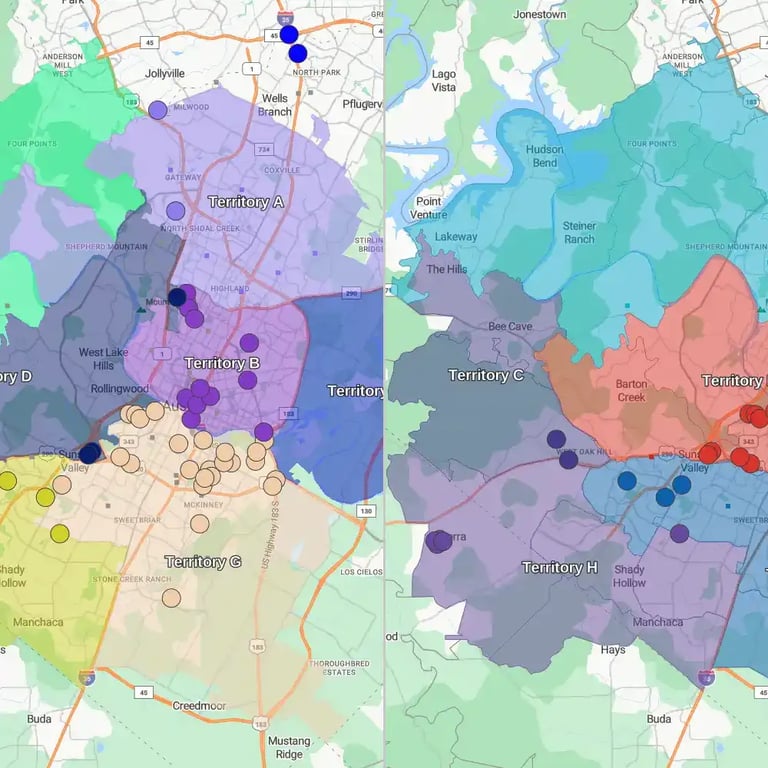
The same territory map updated in real time
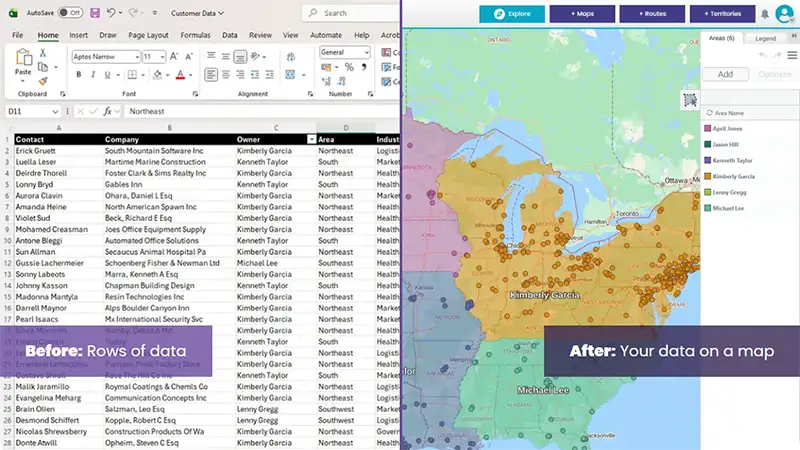
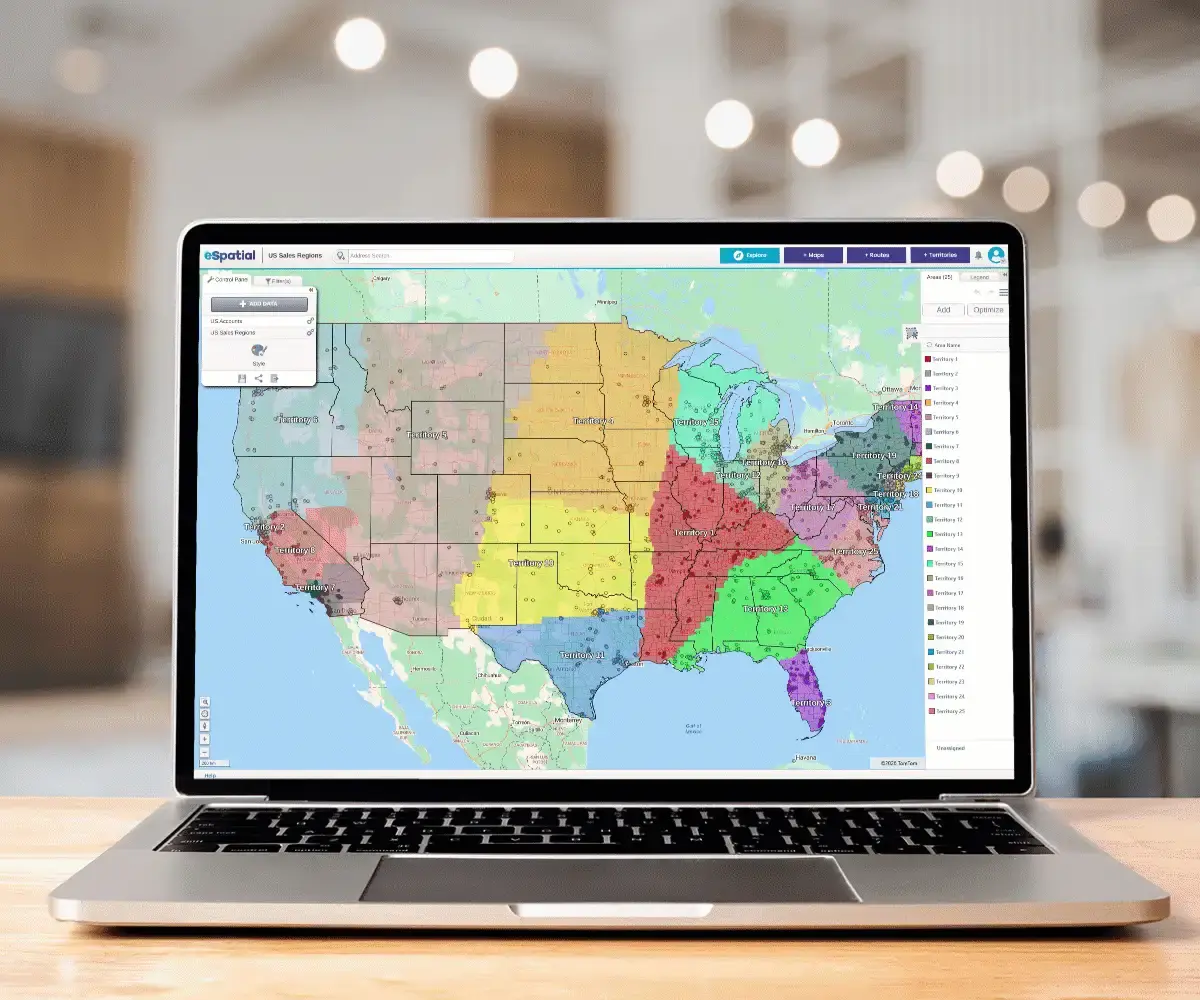
Same Map. Same Data. Any Device.

Our Customers Love Mapping With eSpatial

  • Thermo Fisher logo
  • LivaNova logo
  • Volvo logo
  • LG Electronics logo
  • Henkel Corporation logo
  • Continental Tire logo

Modern Realignment for Sales Ops & VPs


The "Decay" Trap

You've optimized for balance, but the moment you publish your territory map, it begins to decay. The market doesn't stand still, reps resign, competitors move in, and "sleeping giant" accounts wake up demanding attention.

Reactive Planning

If you treat territory management as a "once-a-year" spreadsheet project, you’re reacting to problems that are already months old. You designed the perfect map on January 1st, but your data is now out of sync with reality.

The Solution

Active Territory Management is the shift from static planning to dynamic execution. It is the operational discipline of adapting your coverage in real-time to protect revenue and keep your sales team agile. It allows you to own the strategy, whether scaling sales teams or rightsizing your footprint. In this guide we will cover:

Book a call with a mapping expert

The High Cost of the "Set It and Forget It" Trap


Person reviewing spreadsheet on their computer

Most organizations operate on a "Q4 Sprint" cycle. They scramble in October to build a new sales territory alignment for January, and then default to adjusting sales territories, the following year.

Why? Because in legacy systems and Excel, making changes is painful. It breaks formulas, confuses payroll, and creates administrative chaos. Its a static view that's hard to share and adapt.

Why It Matters

Failing to adapt creates "Territory Drift", leading to three major risks

When to Act: The 3 Triggers of Realignment


Active management doesn't mean moving lines every day that creates chaos. It means having a process for specific Trigger Events.

Person looking at accounts based territories on computer screen

The Personnel Shift

The Old Way: Split the accounts alphabetically among the remaining team.

The Active Way: Instantly visualize the vacant territory with sales territory mapping software. Run a "What-If" scenario: Can the neighboring rep absorb this workload based on drive time? Or do we need to hire? You make a data-backed decision in minutes, not weeks.

Team reviewing before and after territory map

The Performance Outlier

The Old Way: Wait for the annual review to see who missed quota.

The Active Way: Monitor the Workload Index (from A practical guide to sales territory optimization and balancing). If a rep is at 150% capacity, execute a "Carve-Out." Take their bottom 20% of accounts (prospects) and move them to a newer rep. This protects the veteran's time for high-value closing while ensuring prospects get worked.

Woman driving with route map on mobile phone

The Strategic Pivot

The Old Way: Strategy shifts (e.g., "Focus on Healthcare"), but reps are stuck in geo-based territories with few hospitals.

The Active Way: Overlay "Healthcare Prospects" onto your current map using sales territory planning tools. Re-balance territories to ensure every rep has a fair share of the new target vertical.

The Workflow: How to Manage Territories Without Chaos


Ready to move from static PDFs to active growth? Here is the workflow for high-growth teams.

Step 1

Monitor - The Pulse Check

Don't wait for complaints. Review your map monthly or quarterly. Look for "Hot Spots" (too much activity) and "Cold Spots" (neglected white space).

Step 2

Model - The Sandbox

Never experiment on your live data. Use a territory mapping tool to create a "Sandbox" version of your map.

Key Question: If I split this territory, does the new rep have enough TAM (Total Addressable Market) to succeed?

Step 3

Validate - The Human Element

As part of a territory management best practices process, share the visual scenario with the District Manager. Let them see the drive times and account clusters. Their "street knowledge" ("That bridge is closed," "That client hates us") validates your data.

Step 4

Execute - The Launch

Commit the changes. Update the CRM routing rules and notify the reps. Because you used a data-backed approach, you can explain why the change happened, reducing friction.

Stakeholder Harmony: It's Not Just Sales Ops


Active territory management earns Sales Ops a seat at the strategy table because it solves problems for the entire C-Suite.

Why You Can't Do This in Excel


2 people reviewing territory map on desktop computer

We cannot stress this enough: Spreadsheets are static. They cannot calculate how a mid-year change affects a rep's drive time. They cannot visualize how a new hire impacts the "white space" coverage in a region. To master active territory management, you need a tool that handles Hierarchy Management.

When you split a territory at the street level, does that revenue roll up to the right District Manager? Does it reflect in the Regional VP’s forecast? Modern software ensures that every small adjustment at the bottom automatically aligns with the complex reporting structures at the top. No broken formulas, just a single source of truth.

Ready to Future-Proof Your Sales Strategy?


You've designed, you've optimized, Now take control

Frequently Asked Questions


How often should we adjust sales territories?

While a full "tear down and rebuild" is usually an annual event, Active Management suggests a quarterly review. Look for outliers, reps who are vastly over or under quota, and make "surgical" adjustments to balance them without disrupting the whole team.

Transparency is key. Reps usually push back because they fear losing income. By using data visualization, you can show a rep: "We are taking away these 10 low-value accounts that require 4 hours of driving, and giving you these 5 high-value accounts close to home". When they see the Workload vs. Opportunity trade-off visually, the conversation shifts from "loss" to "efficiency".

Optimization (Spoke 2) is the math of getting the balance right initially. Active Management (Spoke 3) is the governance and process of maintaining that balance as the market changes. Optimization is the "Blueprint"; Active Management is the "Construction Site".

You appear to be offline at the moment, this notice will disappear once your device can connect to the internet again