







4.8/5 of 53 reviews
4.3/5 of 38 reviews

The Fast, Intuitive Alternative to Maptitude


Built for sales and marketing teams who need to see the full picture, from customer clusters to balanced sales territories

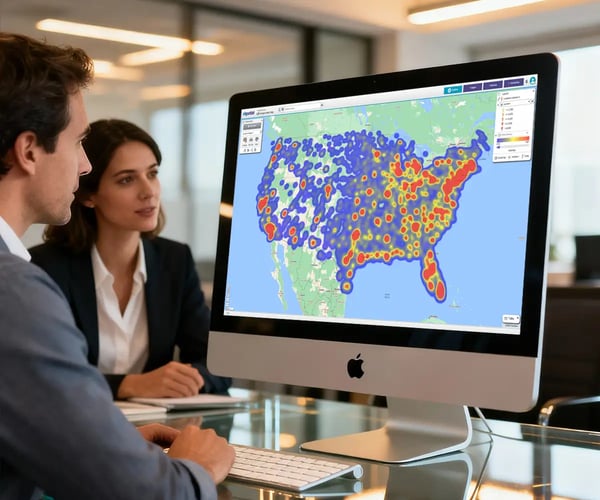
2 people reviewing a hotspot heatmap on a desktop screen

Our Customers Love Mapping With eSpatial

  • RE/MAX logo
  • FedEx logo
  • Volvo logo
  • LG Electronics logo
  • Henkel Corporation logo
  • Continental Tire logo

Finally, a Clear View of Your Business


Where are our best customers located? Which sales territories have the most potential? You know the answers are buried in your data, but finding them shouldn't require a GIS degree or hours spent fighting with clunky, legacy software.

For businesses looking to move from data-rich and insight-poor to making confident, data-driven decisions, eSpatial provides the clarity and power that legacy desktop software like Maptitude can't match. This page compares the two platforms on the features that matter most to modern sales, marketing, and operations teams.
How eSpatial Compares to Maptitude


Section 1: Visual Analysis & Insight

Feature

eSpatial

Maptitude

Ease of use / Learning curve

Intuitive, web-based interface designed for sales, marketing and operations. Create your first map in minutes, no training required.

Traditional desktop GIS interface designed for technical experts. Often requires training to utilize key features.

Data import

Seamlessly upload data from Excel and CSV. Includes a direct, native, and bi-directional integration with Salesforce for always-on data synchronization.

Standard file import for Excel/CSV, which can lag with large files. Lacks native, bi-directional Salesforce integration.

Heat mapping capability

Instantly create vibrant regional and point-based heat maps. Reveal data concentrations, customer clusters, and market hotspots in just a few clicks.

Creating a heat map is not a simple visualization tool; it requires users to learn and apply specific GIS techniques, which complicates and slows down quick analysis.

Cloud-based collaboration

Securely share live, interactive maps with anyone via a simple web link. Collaborate in real-time and embed maps in dashboards, websites, and presentations.

No real-time collaboration. As a desktop tool, sharing requires manually exporting static files (like PDFs or images), meaning shared insights are outdated the moment they are sent.

Speed & performance

Engineered for enterprise-level performance. Our cloud-native platform smoothly visualizes and analyzes hundreds of thousands of data points without freezing or lag.

Performance slows significantly with large datasets, and users frequently report lag, screen freezes, or even crashes that can lead to lost work.

Section 2: Territory Design & Optimization

Feature

eSpatial

Maptitude

Territory design & creation

Create territories from any geographic boundary (like ZIP codes, counties, states) using intuitive, interactive drawing and selection tools. Design, edit, and optimize territories directly on the map in real-time.

Relies on complex GIS functions like 'districting' which are unintuitive for sales leaders, making it difficult to visually design and quickly optimize territories.

Automated territory balancing

Automatically create perfectly balanced territories in a single click. Balance territories across multiple variables, including number of accounts, sales potential, or workload, to ensure equitable distribution.

Lacks a dedicated automation tool. Achieving balance requires significant manual effort and iterative analysis, making it difficult to ensure territories are truly equitable and optimized.

Territory hierarchy management

Build deep, multi-level sales hierarchies with up to an industry-leading 6 levels. Effortlessly manage parent-child relationships where changes at one level automatically roll up or down the entire structure.

Creating hierarchies requires a manual workaround, such as managing separate files or layers, which are difficult to update and prone to error.

Why Choose eSpatial


  • The easiest map
    software to use

    Get your maps up and running in minutes, without the need to be a GIS pro

  • It's the complete mapping software platform

    Everything from data visualisation to route planning, territory management, scenario modelling — all in one place.

  • Powerful algorithms
    and automation

    Smart insights with less manual effort

  • Flexible to suit
    every team's needs

    Whether you're in sales, ops, marketing or field service, it works your way

  • Customize your
    maps in minutes

    From colour schemes to territories, tailor every map to your business instantly

  • World-class onboarding
    at no extra cost

    One-to-one support that gets you from setup to actual impact - fast

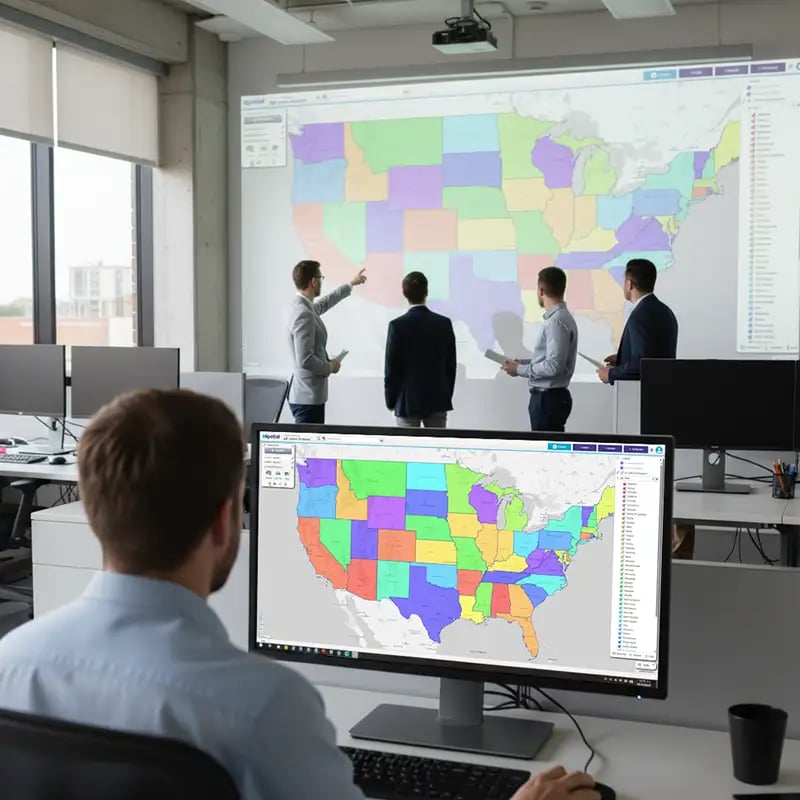
Territory map on a projector screen on the wall

From Data to a Confident
Decision in Minutes, Not Hours

You have sales data and customer data, but they live in separate lists. You trust your team is covering the market effectively, but you have no way to visually verify it. With legacy desktop software, combining and analyzing these datasets is a slow, complex project that rarely gets done.

With eSpatial, the process is simple. Within minutes of plotting both datasets on a single map, you see it—a clear visual disconnect. A region with dozens of high-potential leads but no sales activity. A territory where your top accounts are clustered, but your rep is spending their time on the periphery. It's a clear gap in your sales process, exposed instantly. This isn't just data; it's direction. You can now confidently re-assign leads, coach your reps with clear visual evidence, and optimize territories to capture the revenue you were unknowingly leaving on the table.

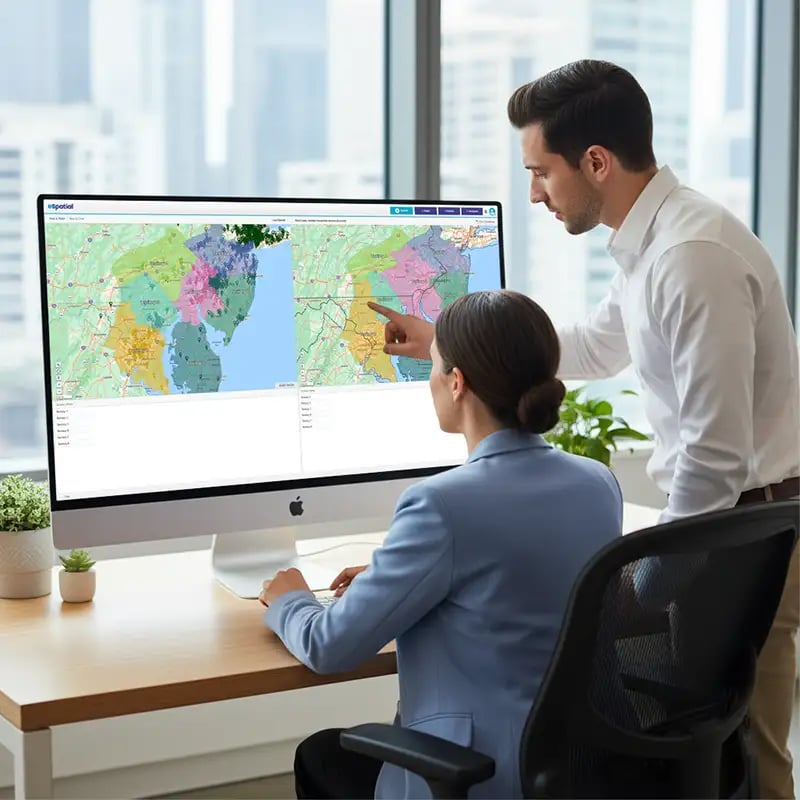
2 people reviewing a territory map comparison

Turn Gaps Into Growth: Your Blueprint for Optimized Sales Territories

Discovering a flaw in your sales coverage is the critical first step. Fixing it is where you drive growth. eSpatial provides a complete suite of tools to act on your insights immediately. Unlike Maptitude's rigid, GIS-based approach, eSpatial is built for the speed and flexibility of modern sales operations.

Use our intuitive tools to instantly redraw and reassign territories on the map. Run our one-click balancing tool to automatically create equitable territories based on workload or sales potential, ensuring every rep has a fair shot at success. Model future expansion scenarios and manage complex, multi-level sales hierarchies without the risk of error-prone manual workarounds. This is your blueprint for turning insights into a more efficient, motivated, and higher-performing sales organization.

Frequently Asked Questions


How Do I Create a Heat Map From an Excel File?

You can create a heat map by uploading your Excel file directly into a mapping tool like eSpatial. The software automatically reads your location data and value data to generate a visual hotspot map in a few clicks, allowing you to instantly see where your key business activity is concentrated. For a detailed guide, see our page on How to Create a Heat Map from Excel.

Ready to Find Your Hidden Revenue Hotspots?

Start a free trial today. Our experts will help you upload your data and build your first map so you can see for yourself how eSpatial can turn your data into your next big opportunity.

You appear to be offline at the moment, this notice will disappear once your device can connect to the internet again