

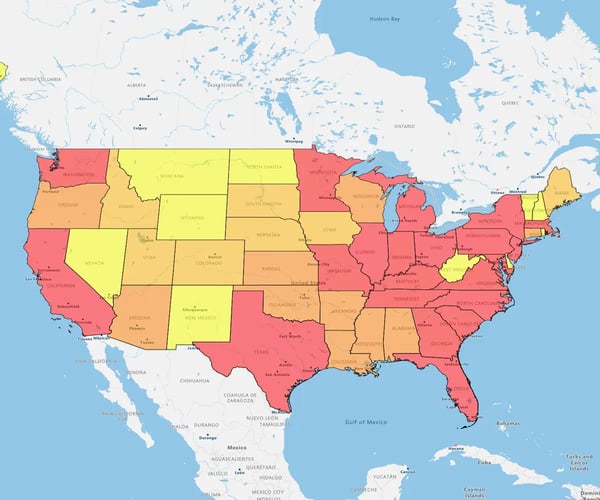
A choropleth map is a thematic map that uses sequential color shading across geographic boundaries—like ZIP codes, counties, or states—to display statistical metrics. Darker shades represent higher data values while lighter shades indicate lower values, enabling instant spatial trend analysis.
Choropleth maps convert dense spreadsheets into structured visual patterns. Instead of reading row by row through thousands of records, sales operations managers can evaluate an entire country or region at a single glance.
Plain-English Business Translation: While cartographers and GIS specialists call this a "choropleth map" or a "thematic map," business leaders and sales teams often call it a regional heat map or color-coded boundary map.
"Thematic map" is simply the overarching category for any map focused on a specific topic (like revenue or population), while a "regional heat map" describes how data values shade specific boundary regions.
The map functions by linking two datasets using a shared location column, such as a 5-digit ZIP code, FIPS code, or state abbreviation. GIS mapping software matches your business data to geographic boundary shapes and applies a color gradient proportional to each area's value.
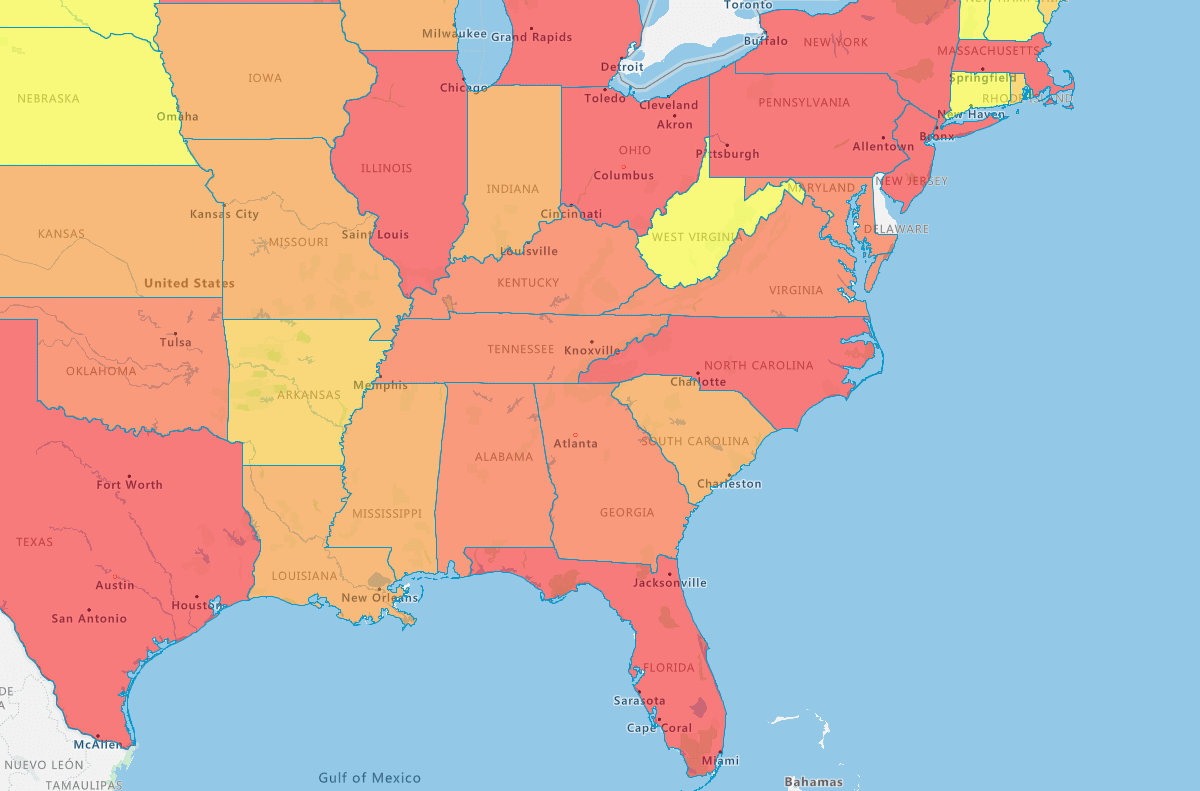
The main advantages of choropleth maps in business include instant spatial comparisons, immediate visual pattern recognition, deeper contextual insights, clear data storytelling, and rapid team adoption without GIS training. They replace dense spreadsheets with intuitive visual territory performance profiles.
Choropleth maps convert static spreadsheet rows into dynamic geographic insights. For operations, marketing, and sales leaders, this visual clarity accelerates decision-making across five key business areas:
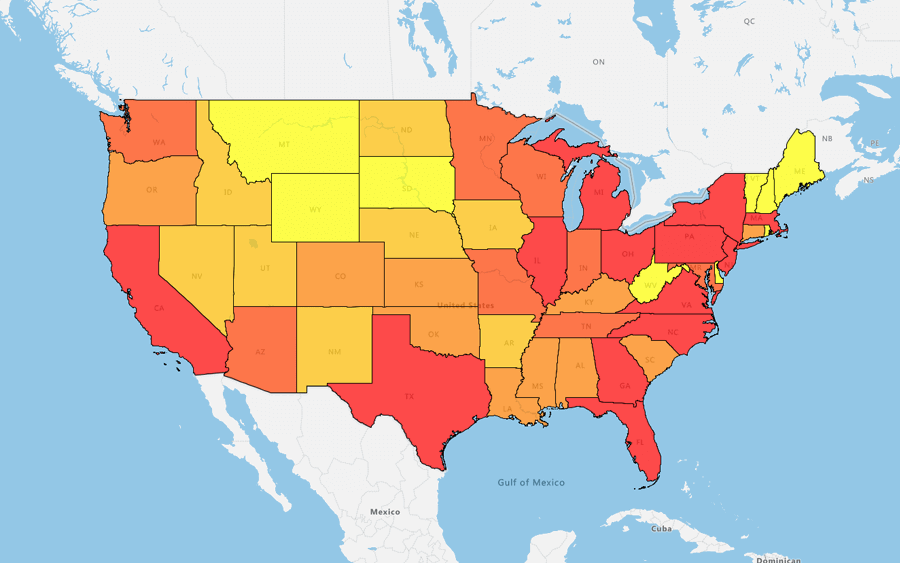
1. Compare Instantly
Spot regional high performers and lagging territories side-by-side in seconds without wading through reams of spreadsheet data.
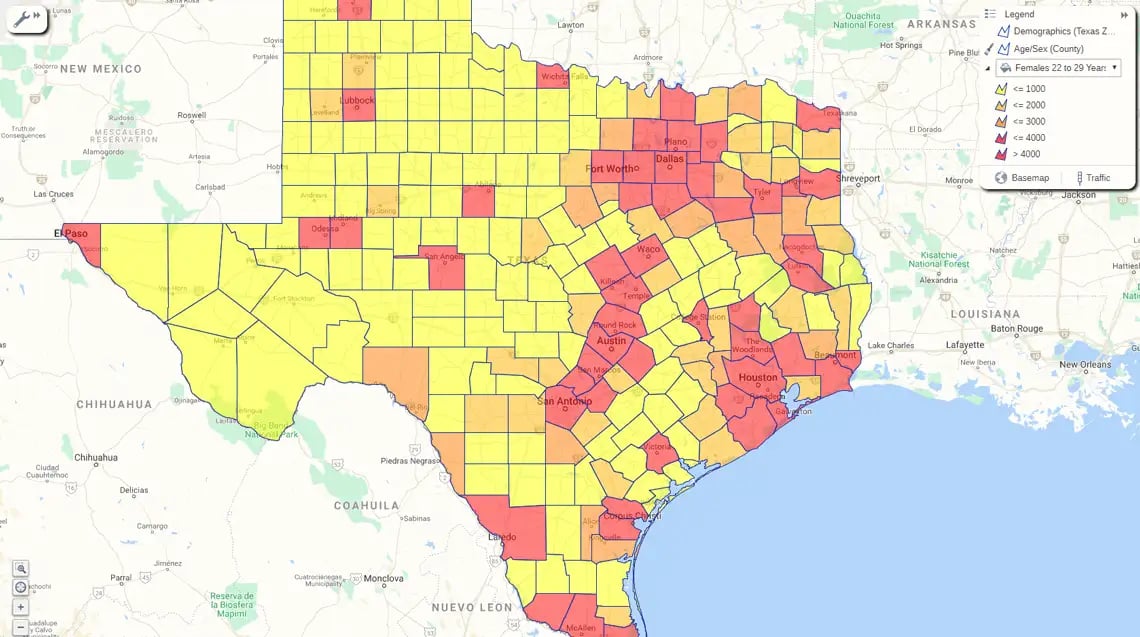
2. Make Patterns Pop
Color gradients highlight anomalies, high-growth zones, and underperforming areas instantly, drawing the eye directly to critical revenue drivers.
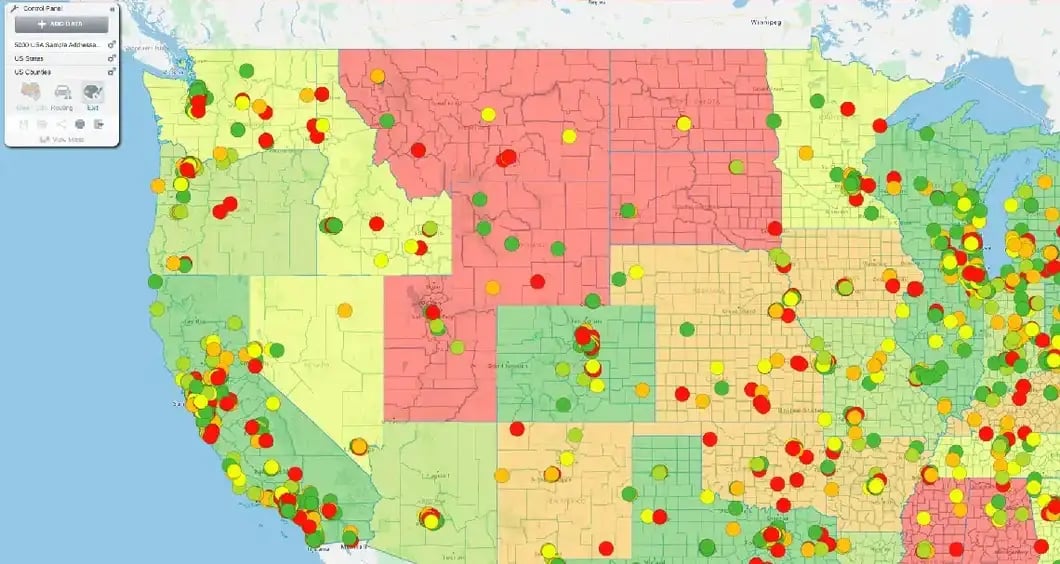
3. Add Real-World Context
Layer internal sales figures alongside demographic and market data to understand why certain regions perform better than others.
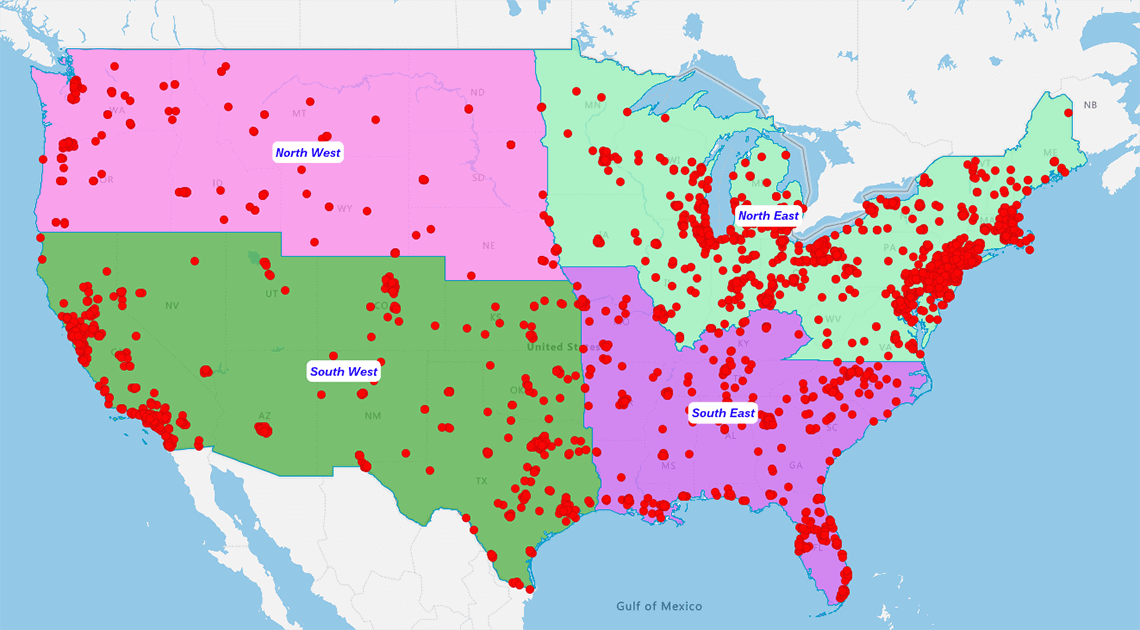
4. Tell a Compelling Story
Transform dry financial metrics into an engaging visual narrative that executives and stakeholders immediately understand.
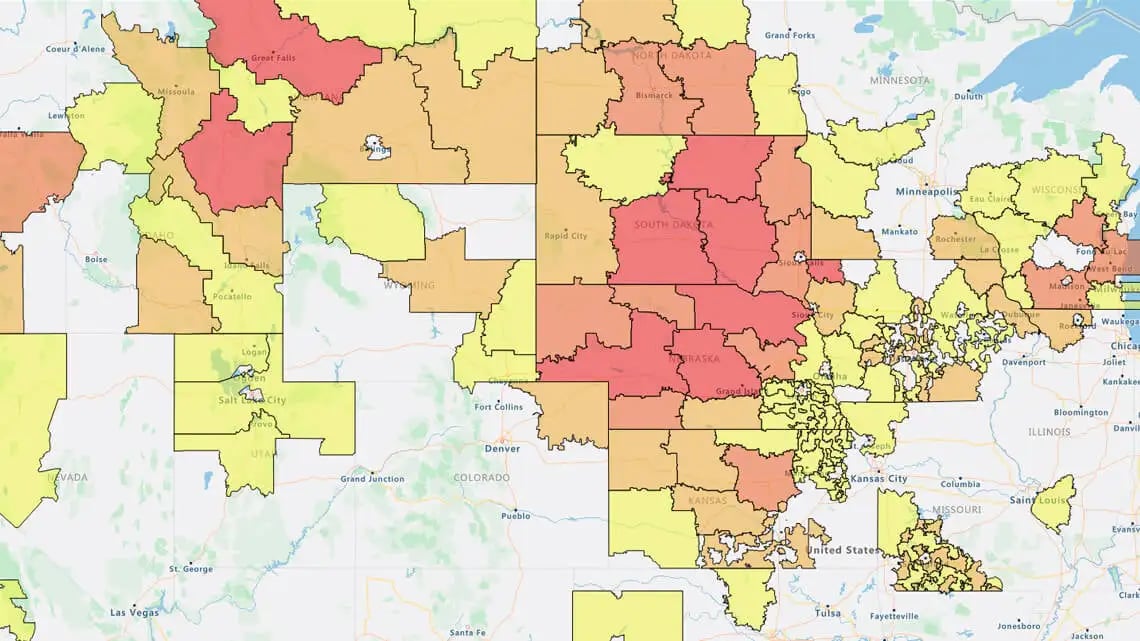
5. Zero Training Required
Non-analysts and field sales teams can instantly interpret territory maps without needing specialized data science degrees or complex GIS software.
In sales operations, choropleth maps serve as the visual engine for analyzing active territory performance. By highlighting regional imbalances, sales leaders can spot overloaded sales reps or underserved customer pockets before making operational changes.
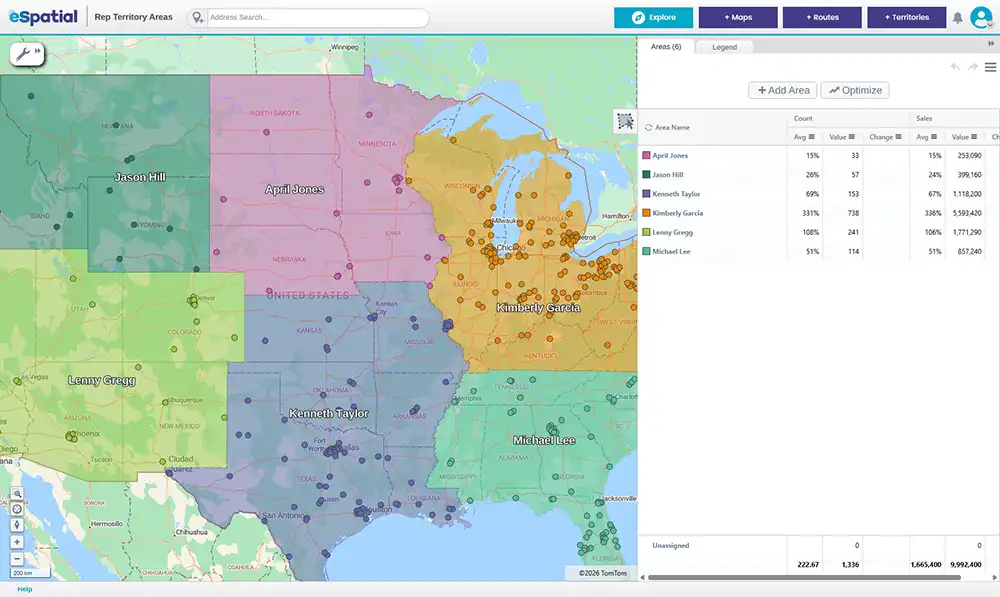

This visual evaluation directly feeds into step two of the location intelligence workflow: Territory Design & Optimization Once choropleth analysis reveals spatial performance gaps, operations teams can confidently re-align territory boundaries, reassign accounts, and balance rep workloads using validated data.
Choose a sequential color scale for single ordered metrics and a diverging scale when tracking performance against a target midpoint. Apply Natural Breaks for irregular sales distributions, Quantiles for ranking territories into equal groups, or Equal Interval for uniform data—keeping classes between 3 and 7 for accessibility.
The visual impact of a choropleth map depends heavily on your choice of color palette and statistical classification. The right setup highlights critical regional patterns, while a poor choice obscures data or creates accidental visual noise.
Selecting the appropriate color scheme depends on the business question you want to answer:
-
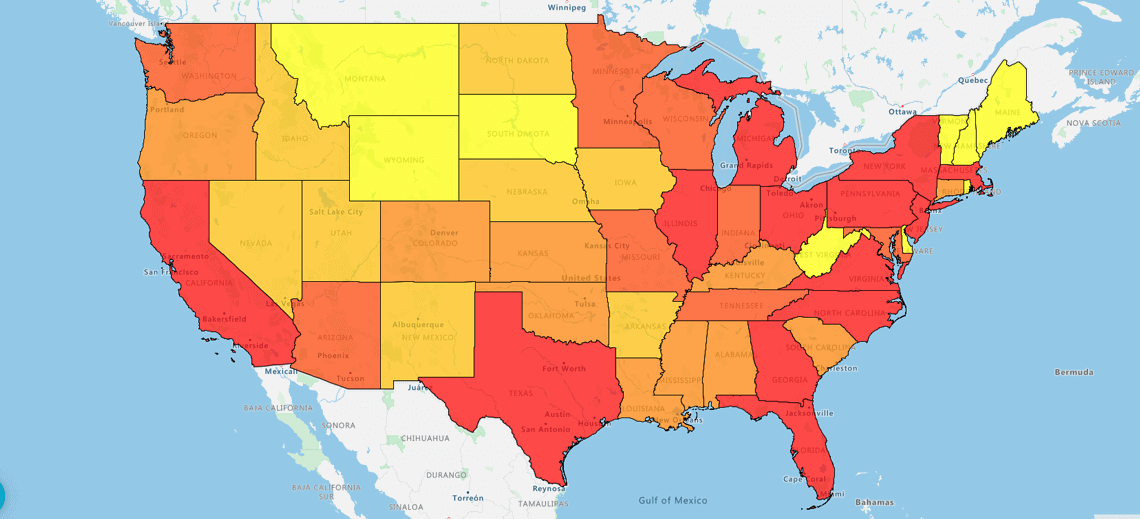 Sequential Color Schemes
Use a single hue ranging from light to dark for ordered, single-variable data. Lighter shades represent lower values and darker shades represent higher values, making sequential scales ideal for mapping market penetration or population density.
-
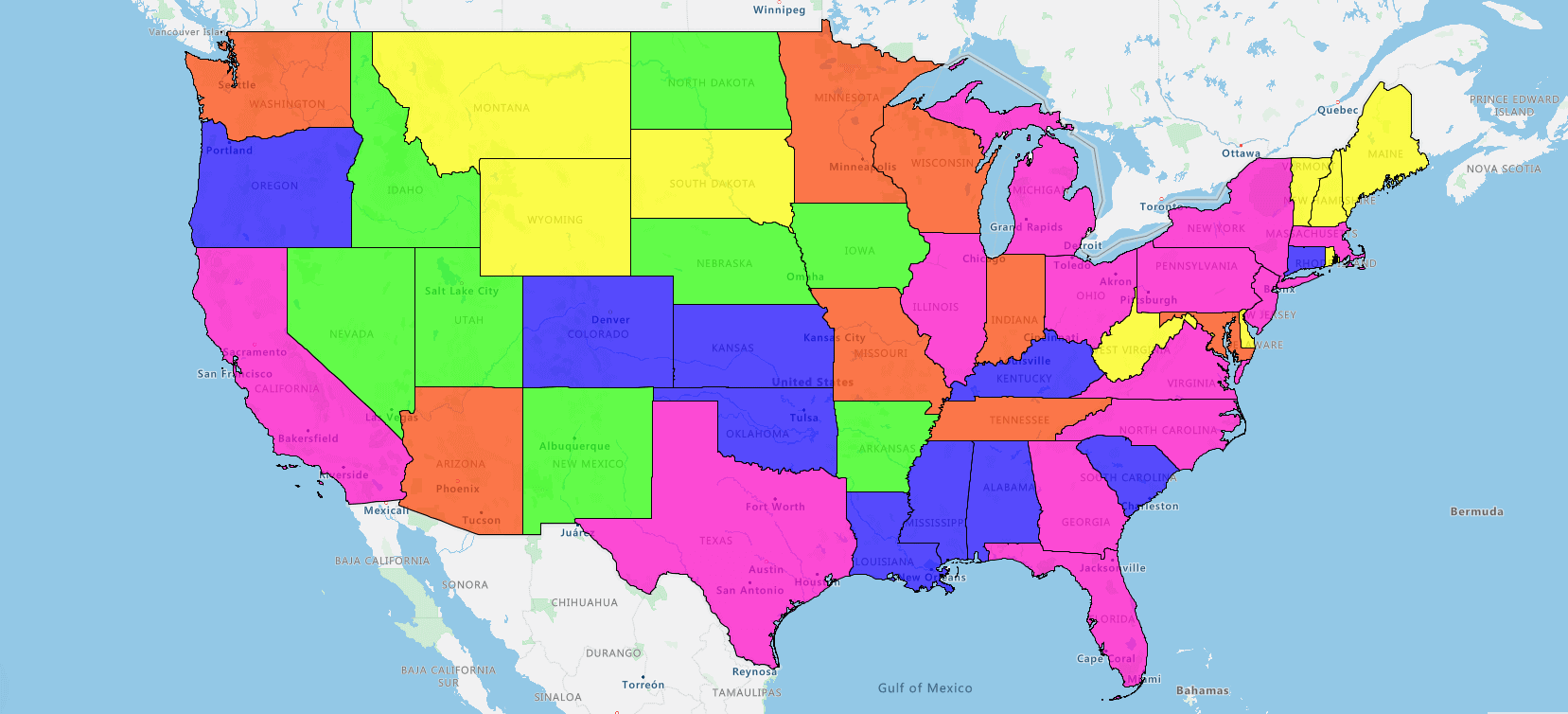 Diverging Color Schemes
Use two contrasting hues that fade into a neutral midpoint shade. Diverging scales excel at visualizing performance against targets or zero-variance baselines, such as tracking territory quota performance (e.g., red for below quota, grey for on target, green for above quota).
Accessibility Rule: Always restrict your choropleth map to between 3 and 7 color classes. Using more than 7 shades makes it difficult for the human eye to distinguish between categories, while using fewer than 3 classes hides meaningful variation. Ensure palettes are colorblind-safe by incorporating lightness contrast rather than relying solely on red-green hue shifts.
A choropleth map aggregates normalized metrics inside fixed administrative boundaries. Heat maps project continuous density gradients without borders. Symbol maps display absolute counts using scaled icons, while isopleths map continuous environmental data using contour lines.
Choosing the wrong spatial visualization can distort your business narrative and lead to flawed strategic decisions. Each map type serves a distinct analytical purpose depending on your underlying data structure:
|
Map Type |
Boundary Dependency |
Data Format Required |
Primary Business Use Case |
|---|---|---|---|
|
Choropleth Map (Regional Heat Map) |
Rigid administrative borders (ZIPs, counties, states). |
Aggregated, normalized ratios or rates. |
Sales territory performance, market penetration analysis. |
|
Heat Map (Density Gradient) |
Borderless continuous density gradients. |
Unaggregated point data (lat/long coordinates). |
Customer foot traffic density, field sales call concentrations. |
|
Proportional Symbol Map |
Point locations or regional centroids. |
Absolute raw counts or dollar totals ($ revenue). |
Warehouse revenue totals, store location lead volume. |
|
Isopleth Map |
Continuous surface contours. |
Smooth continuous spatial data. |
Drive-time accessibility zones, weather impact modeling. |
If your data respects legal or administrative borders, such as sales territories, tax jurisdictions, or state laws, use a choropleth map. If your data flows continuously across borders without regard for administrative lines, select a heat map or isopleth.
The main limitations of choropleth maps include detail loss from data aggregation, rigid administrative boundary locks, and visual size bias toward large geographic regions. You can avoid misleading data by normalizing metrics, pairing choropleths with pin-level point data, and zooming in to evaluate local hotspots.
While choropleth maps excel at fast spatial analysis, relying on high-level regional views without context can lead to misinformed business decisions. Recognizing their structural limits helps operations teams keep data honest and actionable:
- Detail Loss: Aggregating metrics across an entire ZIP code or county masks local street-level nuance, hiding underperforming customer pockets inside otherwise successful regions
- Boundary Locks: Administrative borders (like counties or postal codes) rarely match natural market seams, trade zones, or customer buying behaviors
- Size Bias: Large, sparsely populated rural territories visually dominate screen real estate, pulling focus away from dense, high-revenue urban markets
To eliminate these traps, sales operations teams should pair choropleth analysis with point-level mapping layers. By overlaying individual account locations onto shaded boundary maps, you retain executive visibility without losing granular detail.
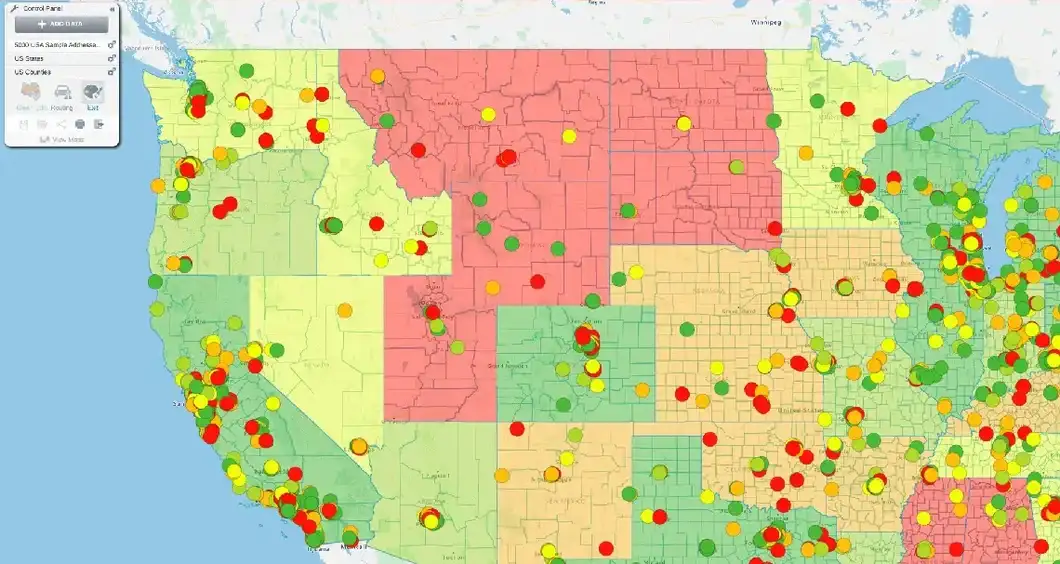
Understanding these limits directly prepares you for step two of the location intelligence workflow: Territory Design & Optimization. Once choropleth analysis reveals broad regional trends, eSpatial lets you adjust fixed administrative boundaries into custom, flexible sales territories that match real-world market capacity.
Unlike fragmented software ecosystems like Salesforce Maps, where territory management and route planning require separate products, eSpatial connects analysis, design, and routing in a single seamless workflow.
Deploying choropleth maps within eSpatial powers the complete location intelligence workflow. By moving seamlessly from Analysis & Visualization into Territory Design & Optimization and Route Planning & Optimization, enterprise teams turn spatial data into measurable revenue growth—all within a single, unified platform.