4.8/5 of 53 reviews
4.3/5 of 38 reviews

Mapping Software That Drives Revenue


Turn spreadsheets into strategy, visualize, analyze and optimize your data, territories and routes in minutes

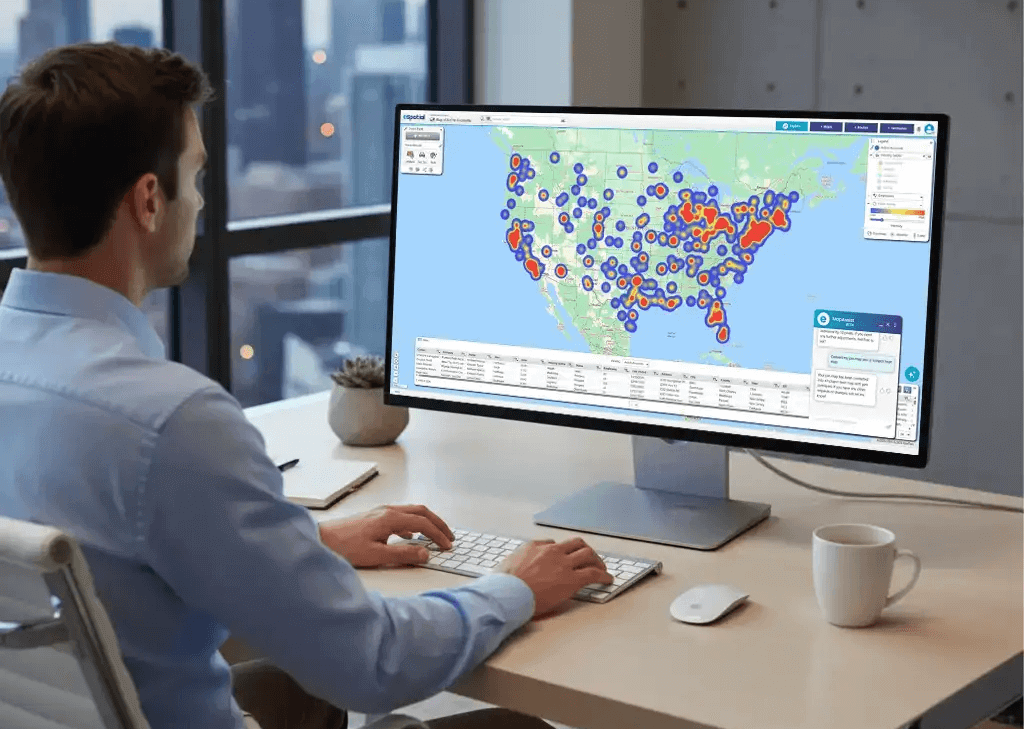
2 people reviewing a hotspot heat map on a desktop device

Our Customers Love Mapping With eSpatial

  • RE/MAX logo
  • FedEx logo
  • Volvo logo
  • LG Electronics logo
  • Henkel Corporation logo
  • Continental Tire logo

Make Smarter Decisions, Faster


Stop wrestling with spreadsheets. Give your sales, operations and marketing teams the power to visualize data and optimize performance in minutes.

Start your free trial

No credit card required

What is Mapping Software?

Mapping software allows businesses to transform raw location-based data into revenue. Maps reveal hidden opportunities in seconds. From territory design to campaign analysis, map software turns complex datasets into accessible, actionable intelligence.

Route map on TV screen on the wall

Overview

Mapping Software: Your Intelligence Engine


A modern mapping program is a complete data intelligence tool, not just a static picture. Static maps don't drive revenue. You need dynamic layers and filters to spot the opportunities that spreadsheets hide.

The Capabilities

  • Combine datasets: Layers multiple data sources to reveal context and correlation
  • Filter dynamically: Isolates specific criteria to find answers in real-time
  • Drive growth: Uncovers actionable insights that directly impact the bottom line

The bottom line: eSpatial turns raw data into action.

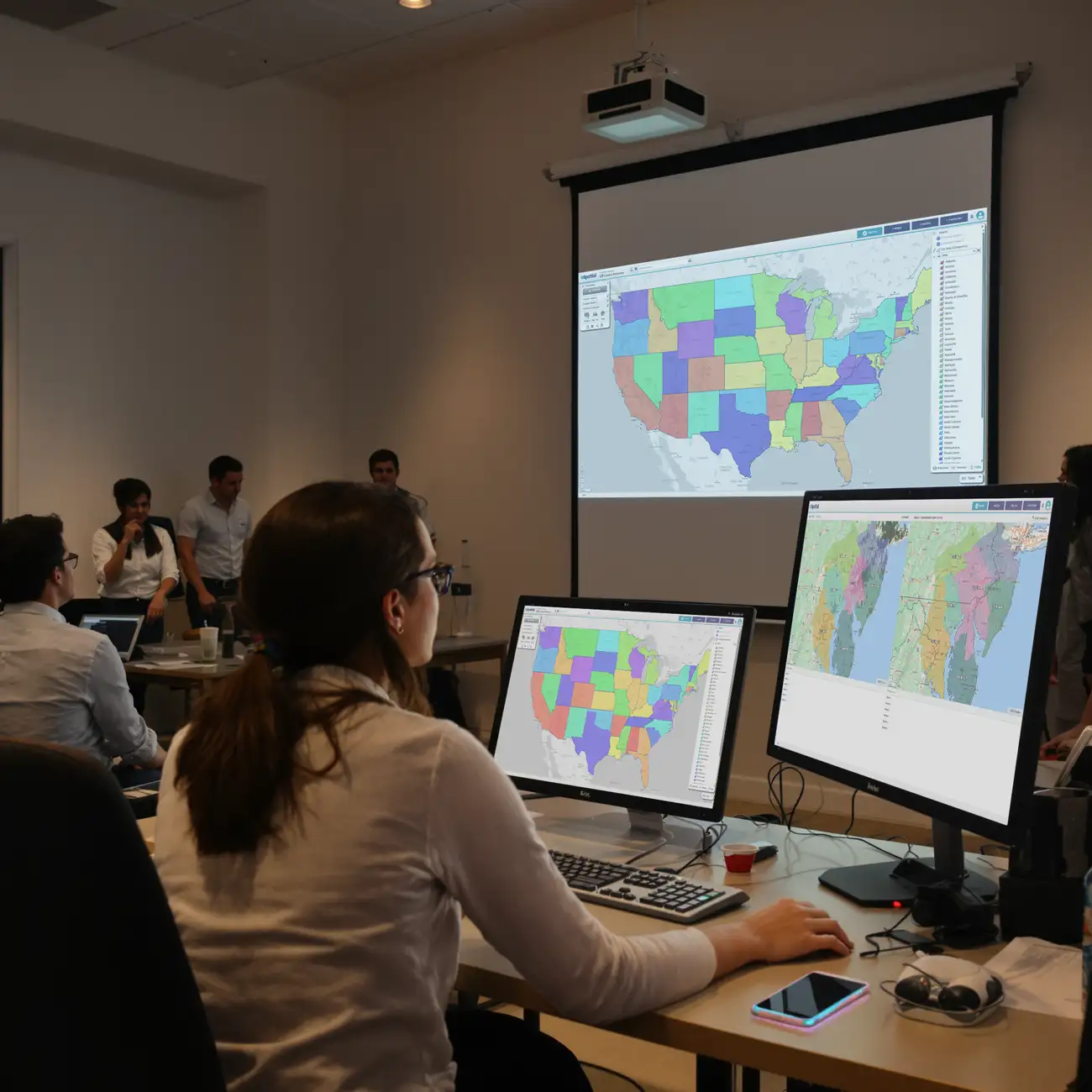
Team meeting reviewing territory map on projector

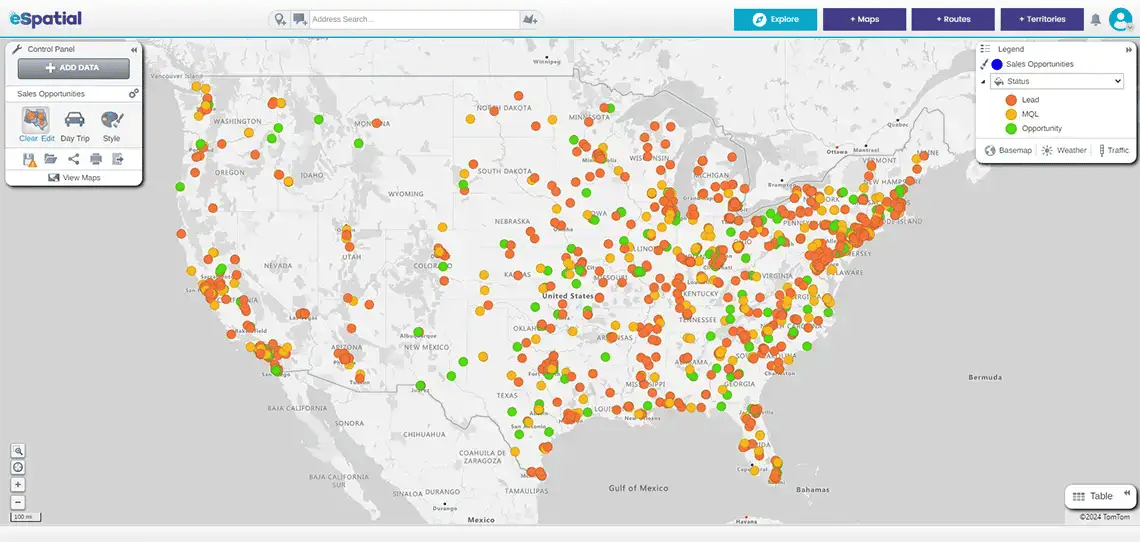
1. Map & Visualize Your Data

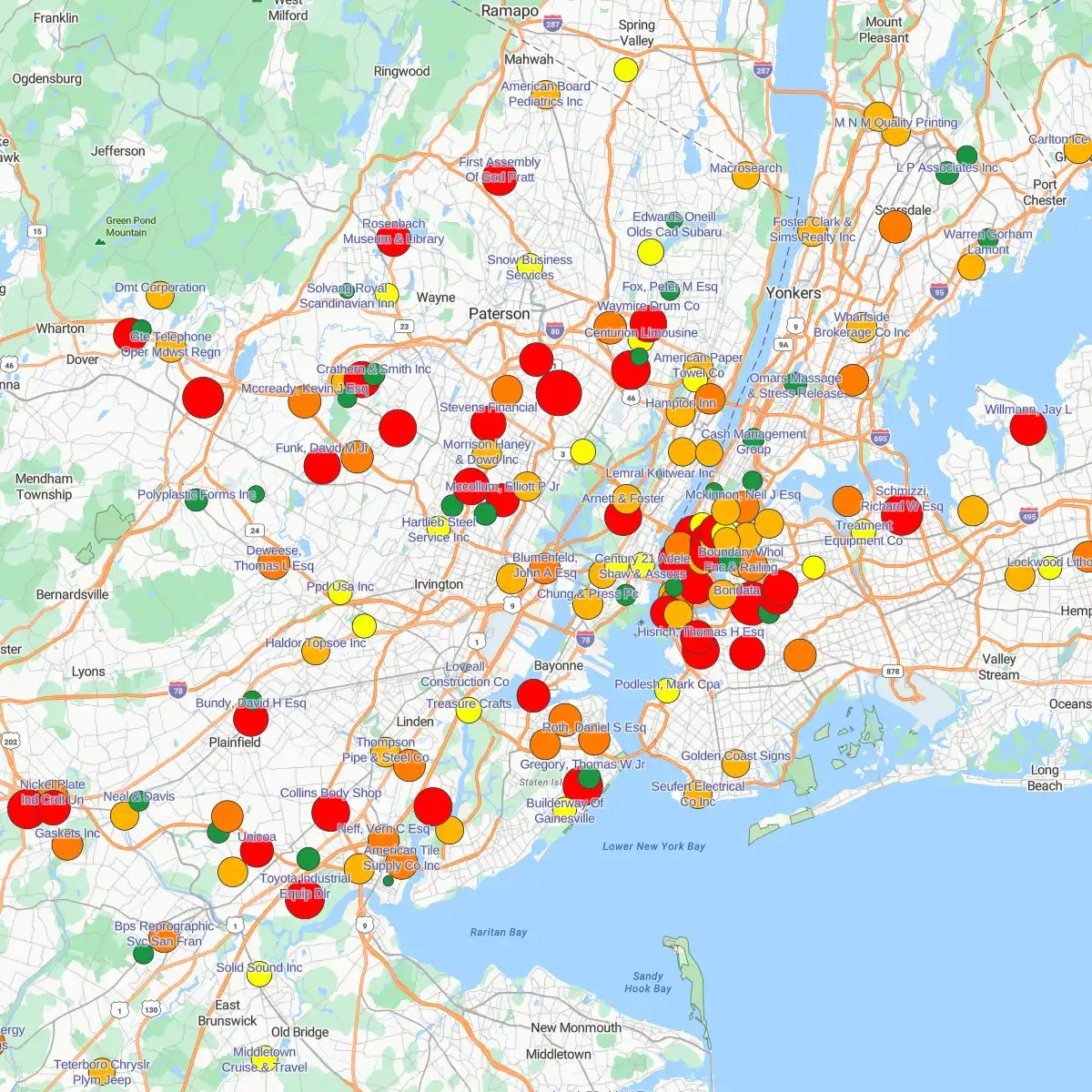
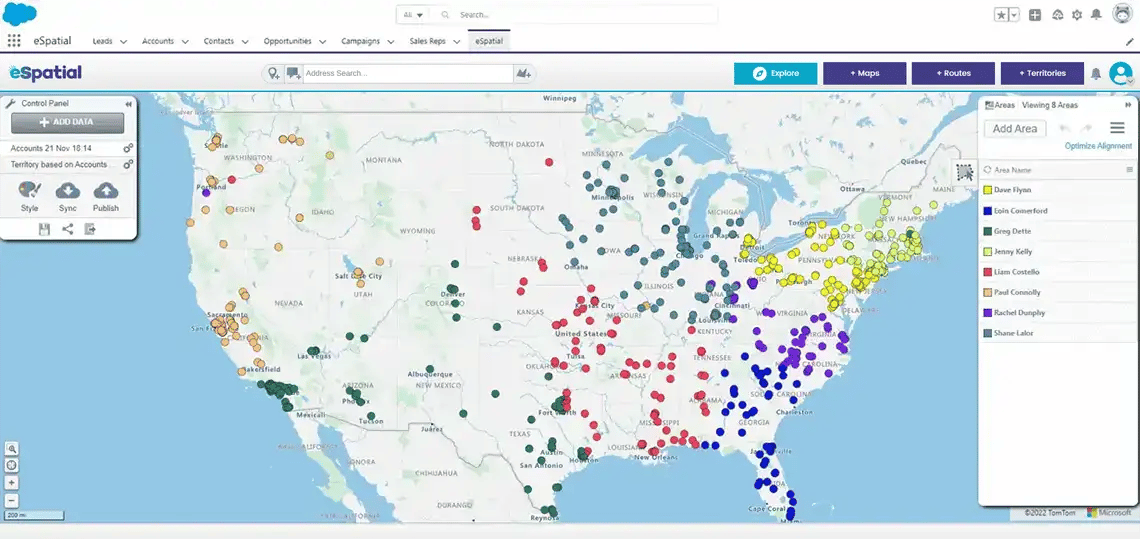
Move beyond spreadsheets to instantly identify customer locations, sales territories and operational gaps. Act confidently and uncover new areas for improvement.

Man viewing pin map on desktop device

2. Visualise & Influence

Get instant buy-in. Turn dense spreadsheets into interactive maps that stakeholders understand at a glance.

2 people reviewing hotspot heatmap on desktop device

3. Spot Hidden Opportunities

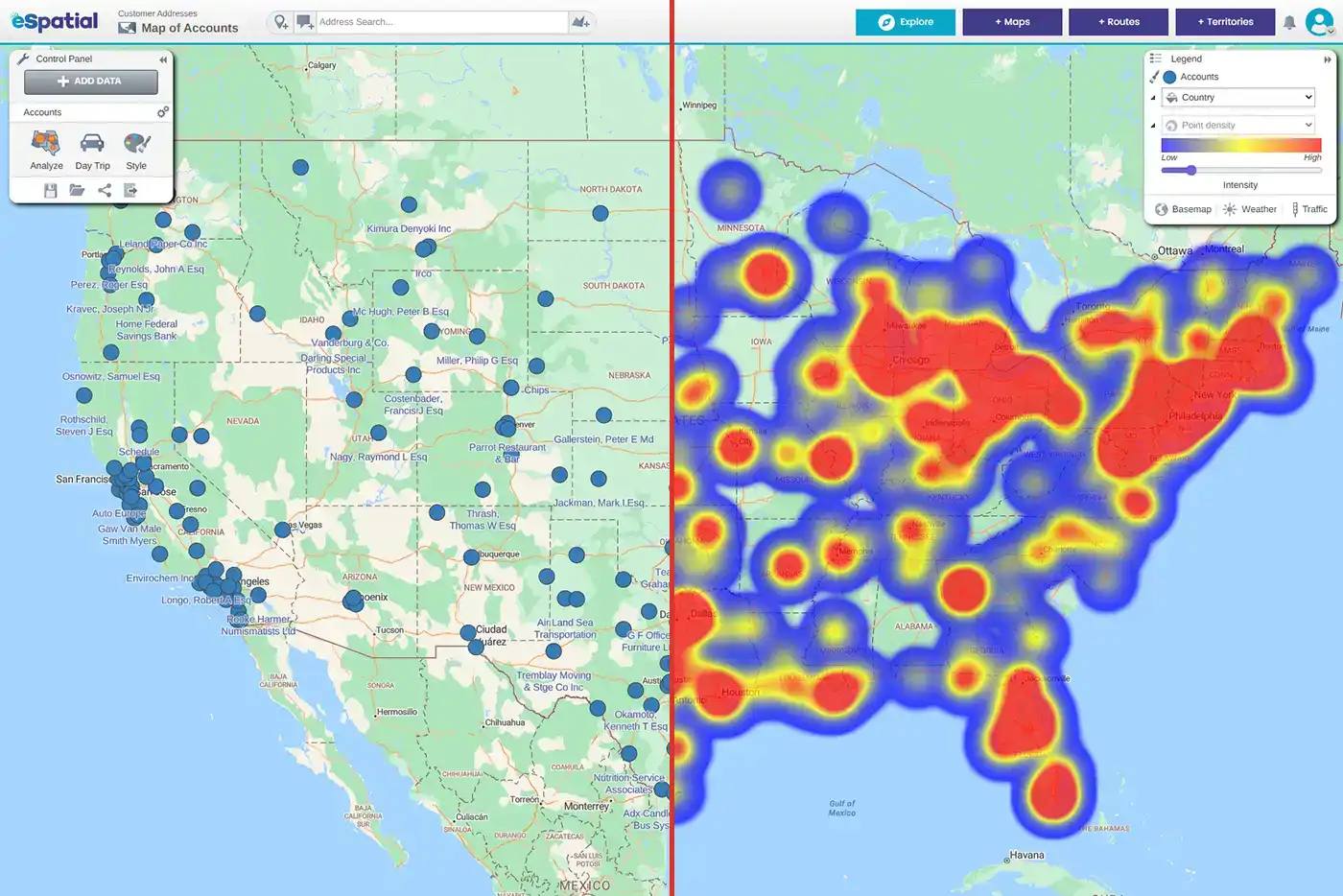
Stop flying blind. Use regional heatmaps to instantly identify high-growth hotspots and cold zones.

Focus your sales or expansion efforts. Accelerate new learning and insights. eSpatial’s intuitive tools spotlight areas with the highest potential based on real data.

Man reviewing regional heatmap on desktop device

4. Track Campaign ROI by Location

Stop burying results. Static charts hide the truth. Use layered maps to instantly visualize exactly where your campaigns are converting, and where they aren’t.

Manage operations

Optimize Operations & Reduce Waste


Stop guessing. Use mapping software to align your field teams and assets directly with customer demand. eSpatial's intelligent maps improve decisions by showing precisely where teams, customers, and assets are located. This precision focus improves efficiency and performance across the board.

Woman reviewing radius map on a desktop device

1. Find the Best Locations for Teams or Assets

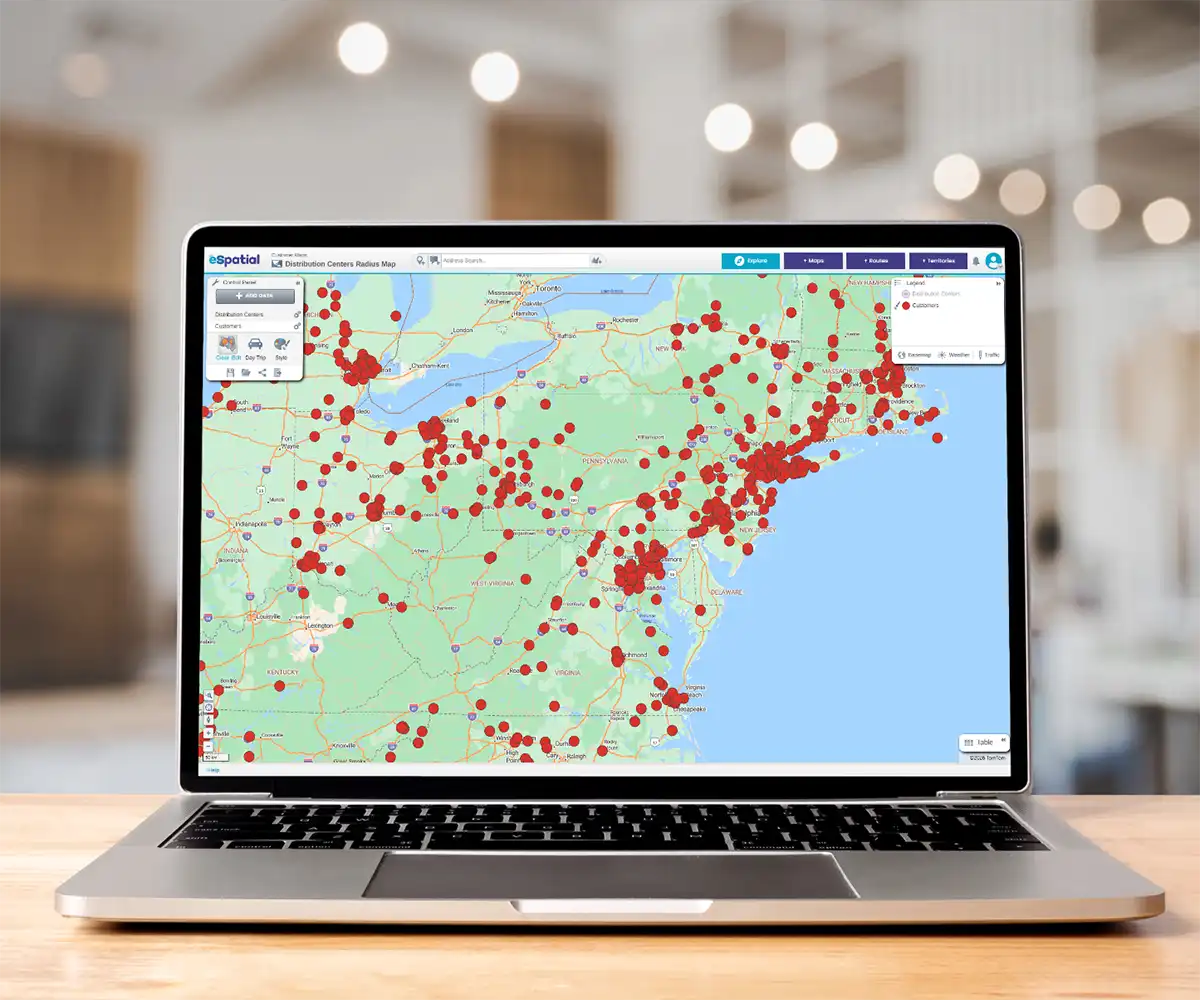
Choosing a site without location intelligence can increase costs and missed opportunities. eSpatial empowers teams to evaluate every option based on customer proximity, existing infrastructure, and logistics. This results in more strategic placement that enhances efficiency and service.

2 people reviewing pin map on desktop device

2. Identify Cost Savings

Controlling costs is easier with eSpatial's powerful visualization and analysis tools, whether by driving down fuel costs, eliminating unnecessary drive time, or rebalancing resource coverage. Easily calculate the fastest routes for sales and operations teams. You can spot inefficiencies in your territory coverage that might be costing thousands in wasted mileage and missed opportunities.

2 people reviewing regional heatmap on desktop device

3. Analyze Complex Spatial Data

Many businesses struggle to make sense of geographic data spread across systems. eSpatial’s interactive mapping software consolidates all that information onto one map, revealing patterns and gaps in service or coverage. These insights, backed by real-time spatial intelligence, create the circumstances for better decision-making.

Improve productivity

Plan Territories & Routes With Precision


Don't let poor planning kill your quota. Use mapping software to balance workloads and optimize routes based on real-world data.

Team meeting reviewing territory map on a projector

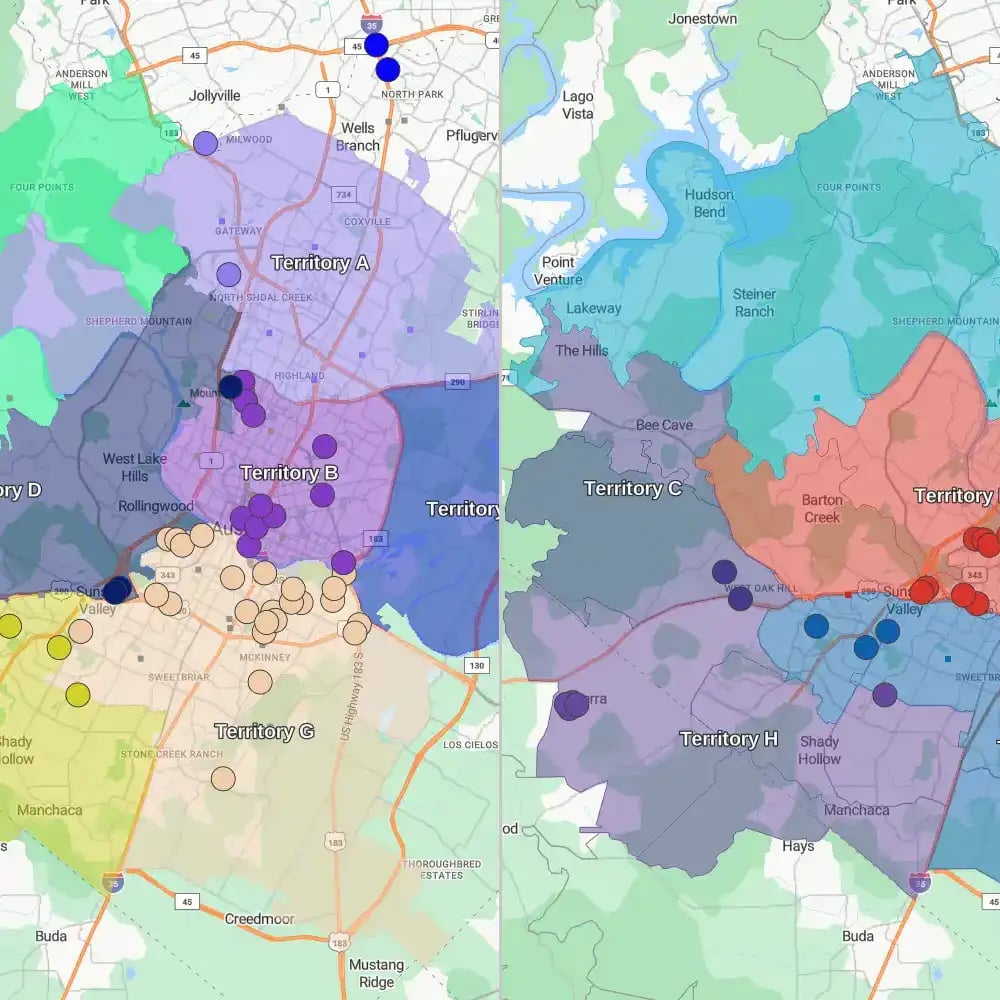
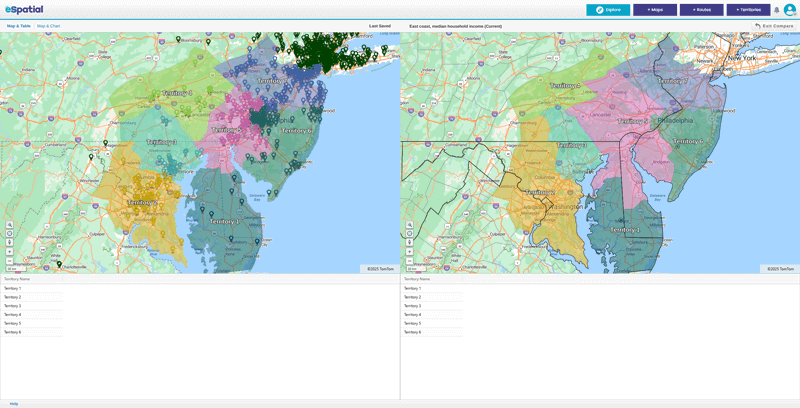
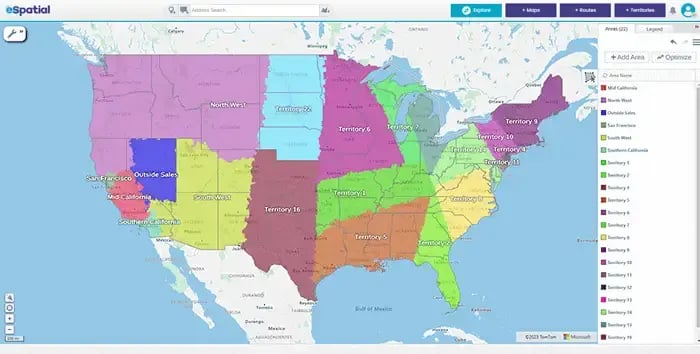
1. Design and Optimize Territories

Poorly designed territories often lead to missed targets and burned-out reps. eSpatial lets you build fair, data-driven territories that balance workload and travel time. This supports happier teams and better performance from day one.

Woman reviewing route map on desktop computer

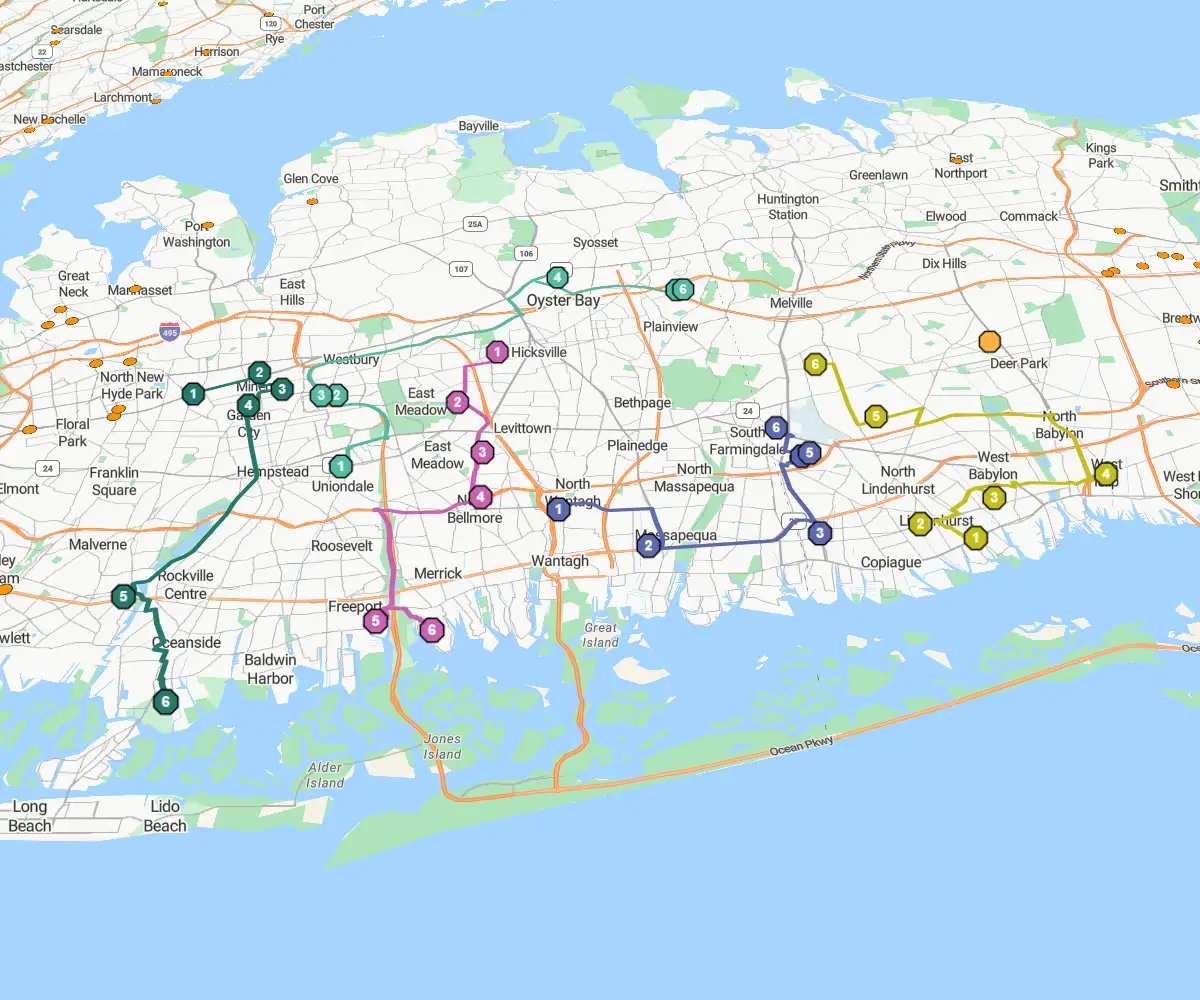
2. Plan Smarter Routes in Less Time

Manual route planning is time-consuming and error-prone. With eSpatial, reps spend less time on logistics and more time closing deals; they can make up to 20% more daily calls. Automated optimization ensures they take the smartest path every day, without the guesswork.

Highlights

A Platform Built for Speed


  • Empower your team: Access your mapping software online or offline to build insights and share decisions instantly
  • Mobile optimization: Keep field teams connected and productive
  • Dynamic selection: Answer strategic "what-if" questions on the fly
  • Custom styling: Create visuals that sell your strategy to leadership
Woman viewing route map on mobile device

1. eSpatial Mobile: Maps on the Move

eSpatial mobile puts the power of route optimization directly into the hands of field sales and service teams. It simplifies life on the road, allowing reps to plan weeks in advance and navigate seamlessly without returning to the office.

The Capabilities

  • Plan ahead: Optimizes schedules up to 20 days out in just minutes
  • Navigate now: Provides instant turn-by-turn directions to the next stop
  • Move fast: Uses a powerful, intuitive interface to simplify complex logistics
Person styling pin map on desktop device

2. Build Custom Maps Fast

eSpatial's customization suite lets you design, refine, and filter your maps in minutes—no design degree required. Generic maps hide insights. Custom tools give you precision control, allowing you to isolate specific data points and define territories with exact accuracy.

The Toolkit

  • Draw boundaries: Uses polygon and lasso tools to manually outline and refine specific territories
  • Style visuals: Color-codes regions and adjusts pin shapes to make key data attributes pop
  • Filter noise: Isolates data by ZIP code, sales rep, or vertical to reveal the trends that matter most

How It Works


Step 1

Sign up & Upload
Your Data

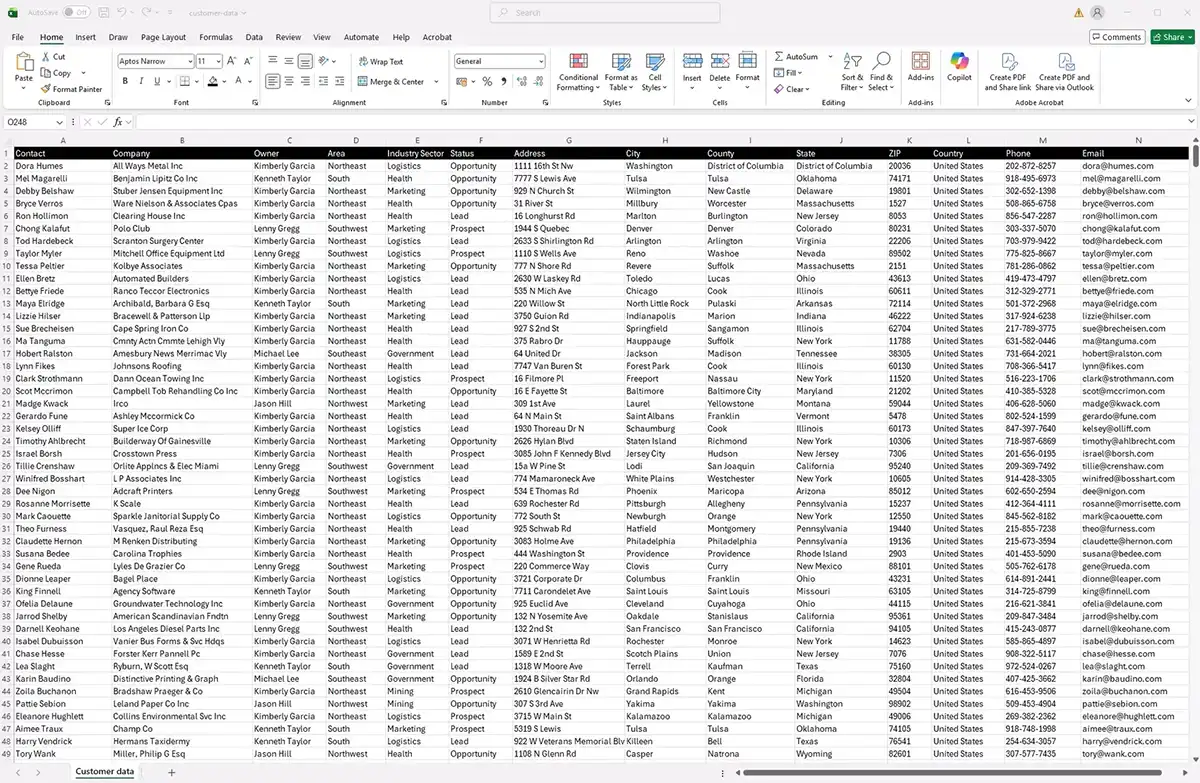
Create a free account and instantly upload data from spreadsheets, CRMs or other sources.

Sign-up form

Step 2

Map And
Customize

Go beyond the spreadsheet. Instantly plot facilities, clients, prospects or assets on an interactive map.

Pin map

Step 3

Analyze Instantly
Share Securely

Turn analytics into action. Generate heat maps, territory plans and optimized routes in seconds.

Share your map

Transparent Pricing That Scales
to Suit Every Business

Start confident, grow fast, from startup to enterprise, get
full-feature access with transparent packages and no hidden fees

Customer success team

95%

Reduction in project delivery time

67%

Faster sales rep onboarding

30%

Increase in time spent selling

3 Reasons to Choose eSpatial


  1. Map in minutes, not days. Our powerful algorithms handle the heavy lifting, allowing you to create maps in 3 steps and optimize complex territories instantly.
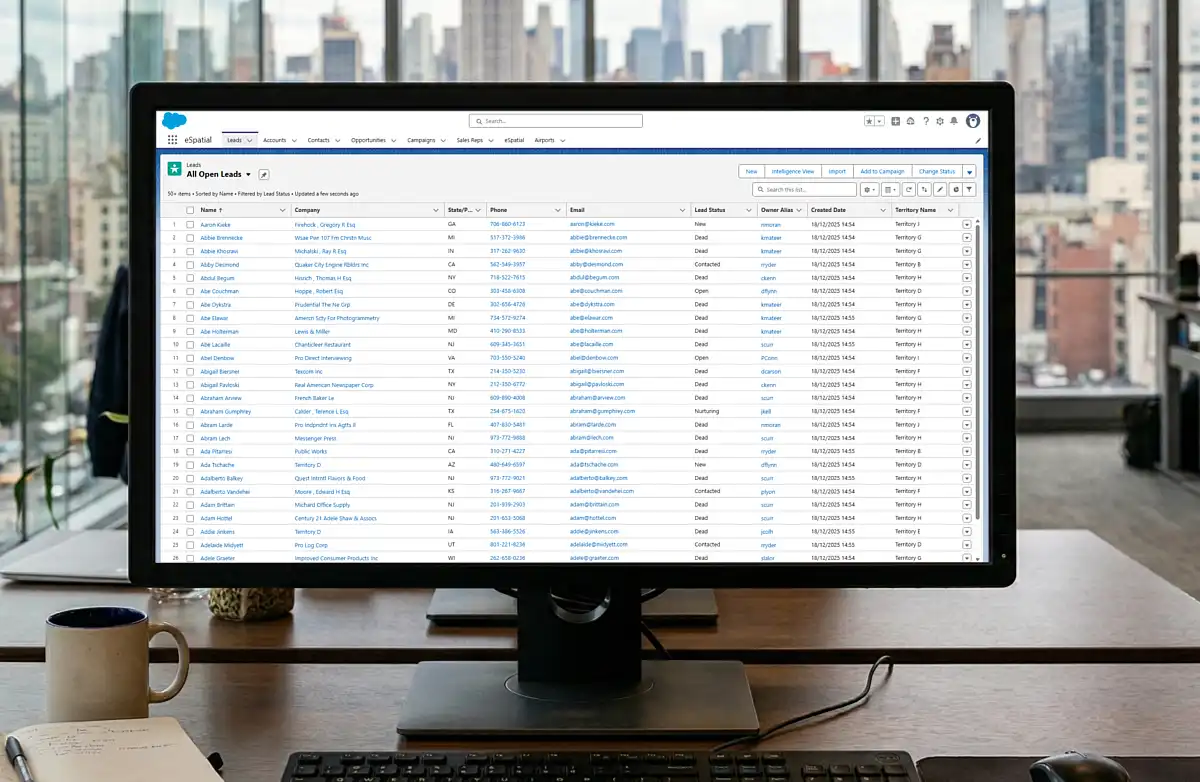
  2. One platform for everything. Visualize data, balance territories and optimize routes on a single, flexible platform that integrates seamlessly with Salesforce and works on any device.
  3. We don't charge for support. Unlike competitors, we include best-in-class training and onboarding with no professional service fees, ensuring your team actually adopts the tool.
Start your free trial

No credit card required

Support From Our Experts
When You Need It


You're the expert on your data and line of work, but you may need some backup to complete your project. Your support team includes mapping (GIS) experts who will help you onboard faster with one-to-one guidance. They'll walk you through setting up your maps and map software, importing your data, and building the specific analyses that matter most to your business goals.

Customer support

Frequently Asked Questions


How Does Territory Realignment in eSpatial Compare to Excel?

Instead of manual exports, VLOOKUPs, and pivot tables, eSpatial makes planning visual and interactive:

  • Upload your CRM data → it displays instantly on a map
  • Select and adjust territories with drag-and-drop or lasso tools
  • See account data update in real time.
    Plans that once took days in Excel can now be built in minutes

Ready to Start Your Mapping Project?


eSpatial gives you the tools to move fast and make an impact, whether you’re mapping customers, building smarter territories, or planning optimal routes. You don’t need a GIS expert; you just need your data and a few minutes to start.

Try it free today or book a quick demo with our team and see how mapping can transform your business.

You appear to be offline at the moment, this notice will disappear once your device can connect to the internet again