


4.8/5 of 53 reviews
4.3/5 of 38 reviews

The Talent Manager’s Guide to Winning with Maps


Eliminate recruitment blind spots, optimize workforce distribution, and drive data-backed human capital growth.

The "HR Data Blind Spot"


Your most valuable talent intelligence is often buried in siloed Human Resource Information Systems (HRIS), Applicant Tracking Systems (ATS), and static spreadsheets. When you need to identify talent hotspots or understand attrition risks fast, these disconnected systems get in the way. This leads to reactive hiring and superficial workforce planning.

Without a visual layer, you know who your employees are, but you don't know where they cluster in relation to your business demand or competitor locations. Mapping software turns this flat data into a shared visual language for HR, Talent, and Executive leadership.

Who This Guide Is For:
The Strategic Talent Team

Success in modern talent management happens when your headcount plan matches the geographic reality of the labor market. This guide outlines how different HR roles use location intelligence to align their strategies.

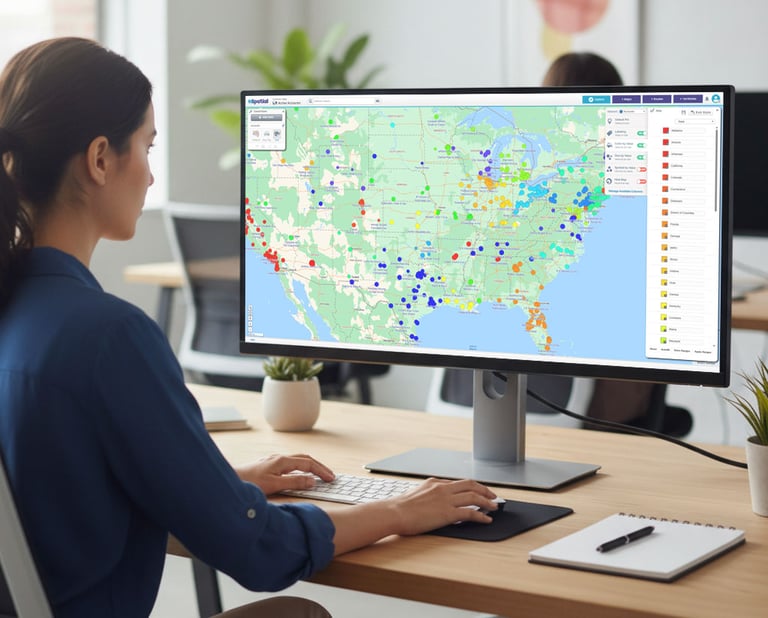
Woman reviewing pin map on a computer screen

1. The Talent Acquisition Leader

For Talent Acquisition, the work begins with building a visual foundation. By mapping applicant data from your ATS as Pin Maps against competitor locations, you can see exactly where to focus recruitment marketing spend and where your sourcing efforts are falling short.

  • Quick Win: Precise, agile, and impactful hiring decisions by identifying emerging talent hotspots beyond your immediate headquarters.
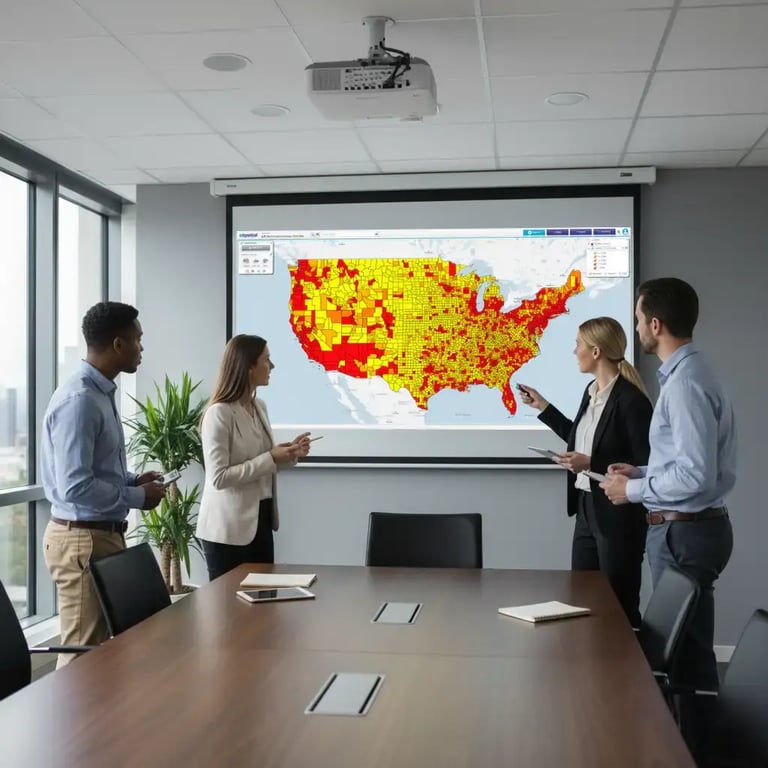
Regional heatmap being reviewed on a projector screen

2. The CHRO & Workforce Planner

Executives need the "Full Pie" view of talent. Maps provide the objective proof needed to justify budget for regional office investments, hybrid-work hub locations, or geographic-based salary adjustments to the board.

  • Quick Win: Secure organizational resilience by visualizing succession frameworks and regional attrition risks.

The 5 Essential Maps for
HR and Talent Managers


To move from spreadsheets to strategic insights, Talent Managers rely on these five specific map types to visualize their workforce landscape.

Map Type

Core Purpose

Strategic Outcome

Pin Maps

Plotting exact locations of employees and candidates.

Understand commute times and local sourcing opportunities.

Color-Coded Maps

Categorizing talent by performance, salary, or skill set.

Identify regional "skills gaps" and areas of high attrition risk.

Hotspot Heatmaps

Visualizing density of applicant pools or employee clusters.

Direct recruitment marketing spend to high-density candidate zones.

Regional Heatmaps

Broad trends in regional labor costs and market saturation.

Make informed decisions on where to open new physical hubs.

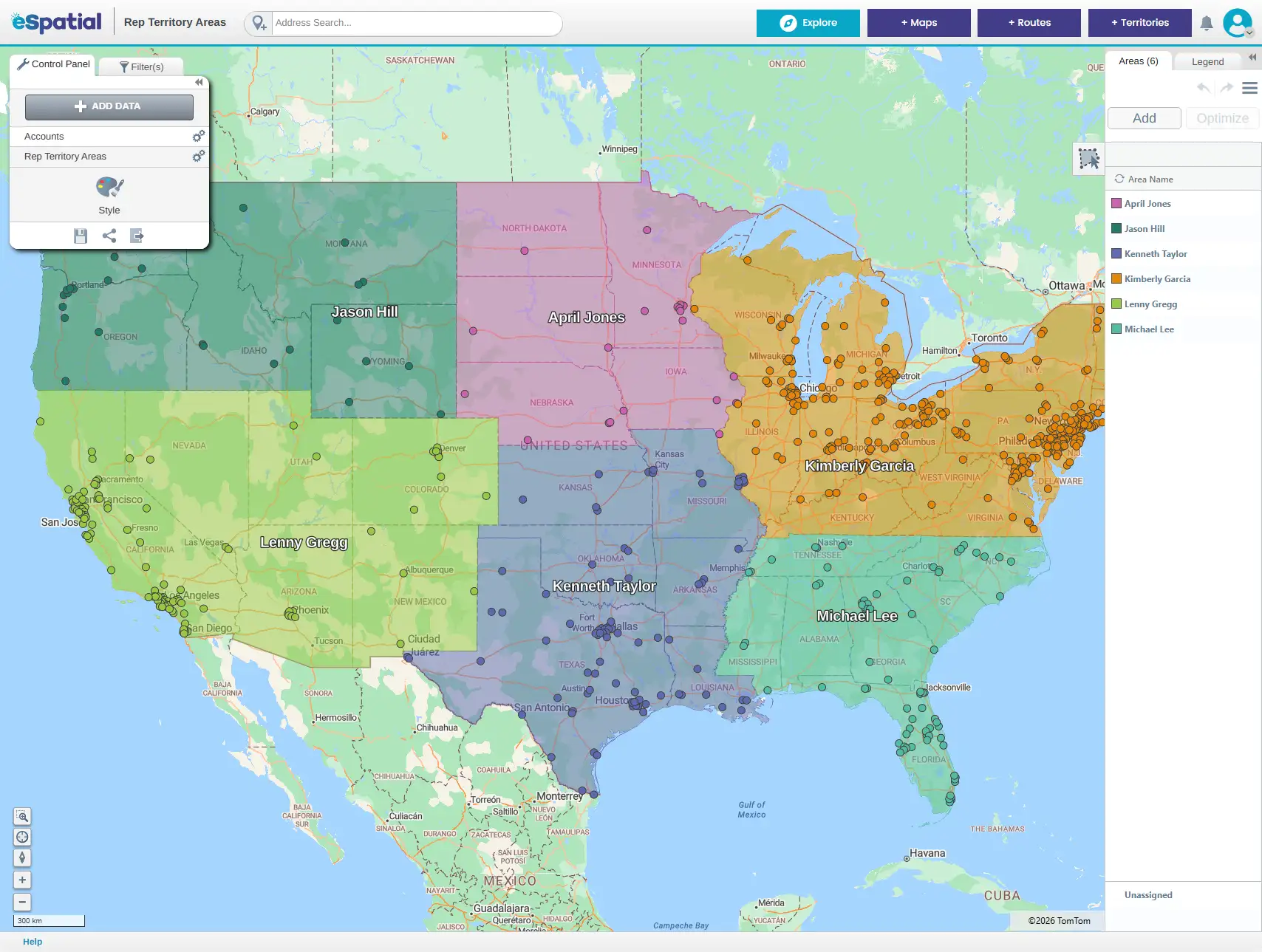
Territory Maps

Defining manageable regions for field-based HR or recruiting.

Balance workloads to ensure every regional manager has equitable staff support.

The 3-Stage Workflow to Strategic Alignment


Step 1

The Analysis Phase

Core Goal: Identify patterns and blind spots instantly by turning flat rows of candidate and employee data into visual insights.

  • Visual Audit: Upload your HRIS/ATS data to see where your talent actually sits. Look for clusters and "dead zones" where you lack local presence despite high business demand.
  • Skill Gap Identification: Overlay current competencies on geographic maps to prioritize your learning and development (L&D) investments.
Step 2

The Design & Alignment Phase

Core Goal: Create balanced regions where headcount and specific skills are perfectly aligned with market trends and growth goals.

  • Equitable Workload Indexing: Use Territory Mapping to ensure your Field Recruiters or Regional Managers aren't overwhelmed by geographic spread.
  • Succession Frameworks: Map top performers and potential successors by location to ensure continuity and organizational resilience.
Step 3

The Collaboration Phase

Core Goal: Secure immediate leadership buy-in by turning complex headcount planning into a collaborative "data story".

Move away from static slide decks. Use interactive mapping sessions with CHROs and Regional VPs to model different "what-if" scenarios (e.g., "What if we shifted our recruiting focus from the Northeast to the Sun Belt?"). This transforms potentially disruptive changes into a shared vision.

Why eSpatial for Talent Management?


Success requires high impact with low friction. eSpatial is designed for the HR professional, not the GIS technician. We provide:

Ready to See Your "Full Landscape" of Talent?


Book a Strategy Session with an eSpatial Expert today to start mapping your future workforce.

Other Guides


You appear to be offline at the moment, this notice will disappear once your device can connect to the internet again