



4.8/5 of 53 reviews
4.3/5 of 38 reviews

The IT & Data Analyst's Guide to Winning with Maps


Bridge the gap between raw data and business impact with secure, scalable location intelligence.

Woman reviewing territory map on a dual monitor setup

The "Complexity Gap"


For IT and Data teams, the challenge isn't just managing data, it's the reporting bottleneck. Business units (Sales, Marketing, HR) are constantly requesting geographic insights, but providing them often requires manual exports, custom scripts, or high-maintenance GIS tools.

This "Complexity Gap" leaves IT teams stuck in a cycle of reactive ticket fulfillment. Without a self-service visual layer, the business remains data-rich but insight-poor. Mapping software allows IT to secure and structure the data while empowering business users to find their own "where" in real-time.

Who This Guide Is For:
The Data Architects & Enablers

Operational data is only as good as its accessibility. This guide explains how technical leaders use mapping to drive organizational efficiency.

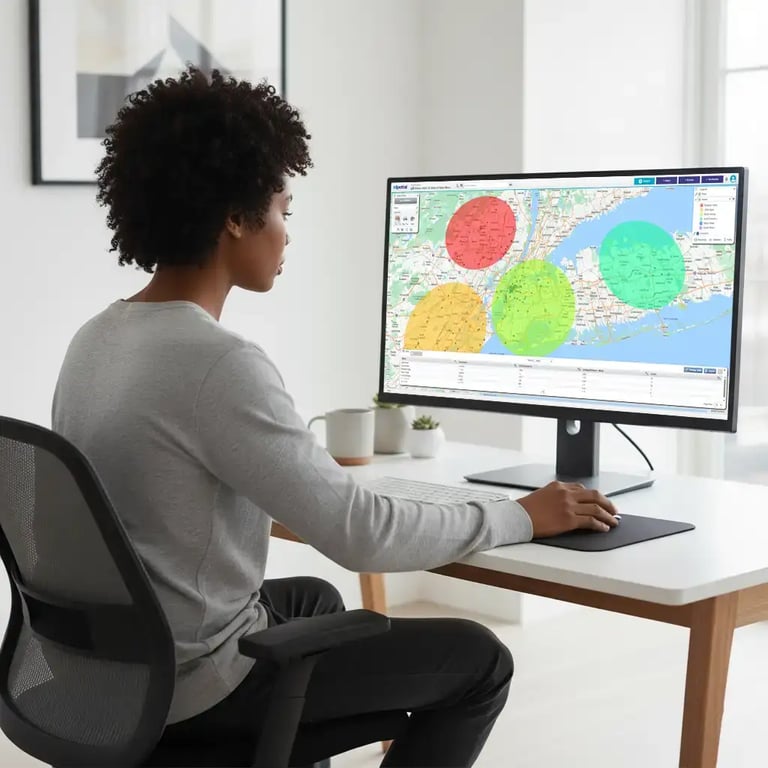
Woman reviewing radius map on desktop computer

1. The Data Analyst

Analysts use location intelligence to clean "dirty" address data and provide complex modeling, like predicting high-growth zones—without needing to write thousands of lines of code for every new request.

  • The Win: Validate data integrity and uncover hidden spatial correlations that standard BI tools miss.

Woman viewing territory map on a computer screen

2. The IT Leader

IT Leaders focus on the "Triple Threat" of successful tech adoption: Security (compliance), Integration (connecting with Salesforce), and Usability (ensuring the tool actually gets used).

  • The Win: Reduce the "ticket burden" and ensure data security while providing high-value tools to the business.

Core Map Types for Data
Integrity & Strategic Planning


These specific map types allow technical teams to structure data for maximum business impact.

Map Type

Technical Purpose

Business Outcome

Pin, Radius & Proximity Maps

Validating spatial relationships between assets and customers.

Identify the closest resource to a service request instantly.

Hotspot & Regional Heatmaps

Aggregating millions of rows of data into density patterns.

Provide Marketing and Ops with clear "where to expand" directives.

Drivetime Maps

Replacing linear distance with real-world road network math.

Justify site selection or event locations based on actual accessibility.

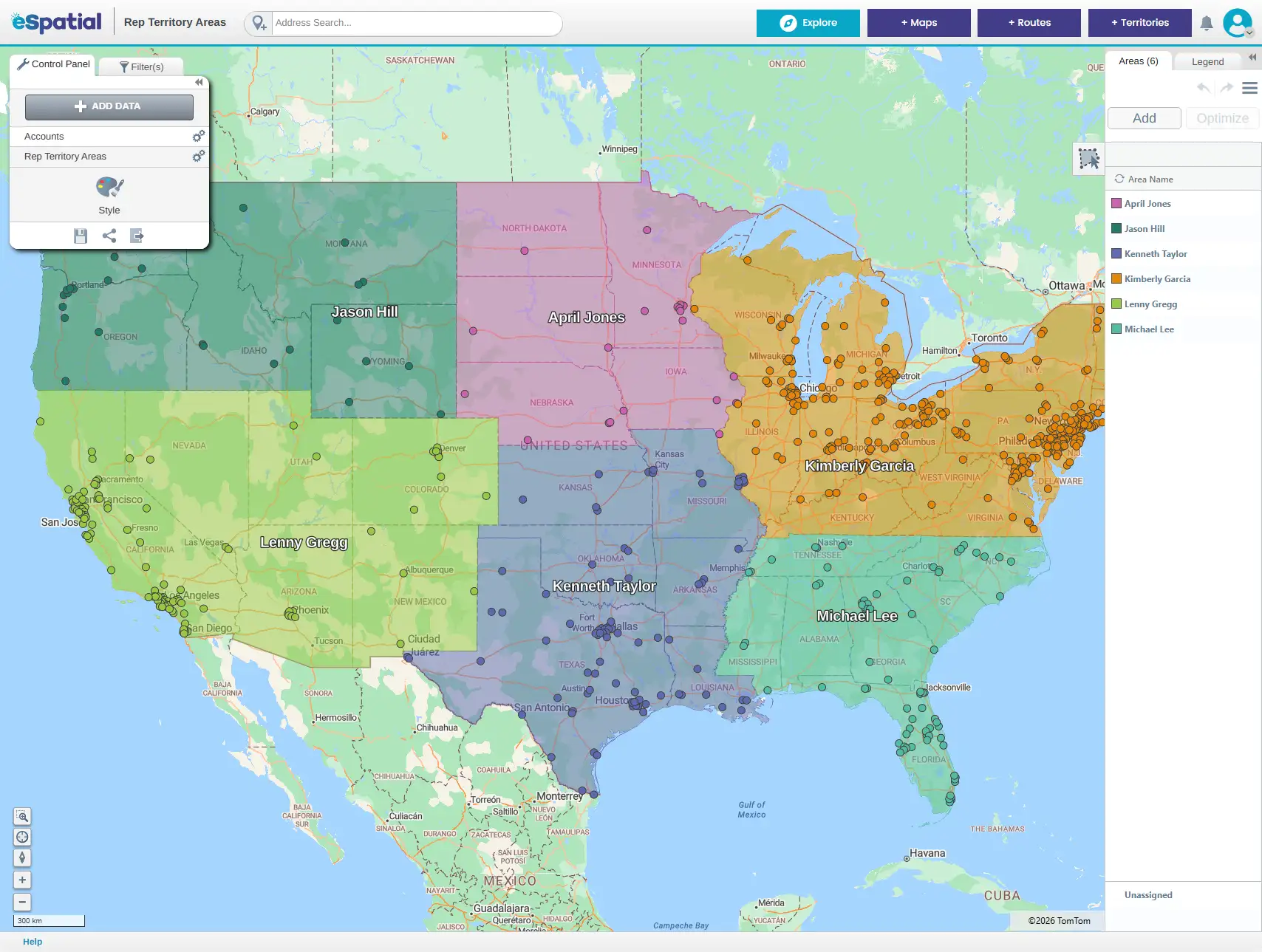
Territory Maps

Designing and balancing data governance or service regions.

Ensure balanced workloads and clear accountability for regional leads.

The 3-Stage Workflow to Data Maturity


Step 1

Ingestion & Validation

Upload raw data to instantly identify geocoding errors or outliers. Seeing data on a Pin Map acts as a rapid QA check, if a customer address appears in the middle of the ocean, you know your source data needs work before it hits the executive suite.

Step 2

Enrichment & Modeling

Go beyond simple internal data. Layer on Demographic Data and Drivetime Analysis to create a multi-dimensional view of the market. This turns a simple "list of locations" into a strategic growth model that justifies high-stakes decisions like office relocations.

Step 3

Deployment & Self-Service

Instead of delivering a PDF, deliver an Interactive Experience. Use eSpatial's secure sharing features to provide Sales or Marketing leaders with live maps. This eliminates the back-and-forth email chains and allows you to focus on high-level architecture instead of basic report generation.

Why eSpatial for IT & Data Teams?


We provide the security of an enterprise tool with the agility of a startup solution.

Ready to Modernize Your Data Strategy?


Book a Strategy Session with an eSpatial Expert to see how we bridge the gap between your data and your business wins.

Other Guides


You appear to be offline at the moment, this notice will disappear once your device can connect to the internet again